MOOOO.

5 Figma Plugins, Part 1

FIGMA
5 Figma Plugins, Part 1
5 Figma Plugins, Part 1, slide 2 of 6
5 Figma Plugins, Part 1, slide 3 of 6
5 Figma Plugins, Part 1, slide 4 of 6
5 Figma Plugins, Part 1, slide 5 of 6
5 Figma Plugins, Part 1, slide 6 of 6

Five AI-powered Figma plugins that supercharge your workflow so you can design smarter, not harder.

AI is no longer just a buzzword - it is inside your design tool. These five Figma plugins bring AI directly into your workflow, cutting down the repetitive work so you can spend more time on the decisions that actually matter.

FigGPT

Integrates ChatGPT directly inside Figma for UX writing, placeholder text, and idea generation. Perfect for drafting microcopy, error messages, and onboarding copy without ever leaving your canvas.

Magician

An AI plugin that generates copy, icons, and images from simple text prompts. Ideal for quick prototyping when you need realistic content fast and do not want to waste time on Lorem Ipsum.

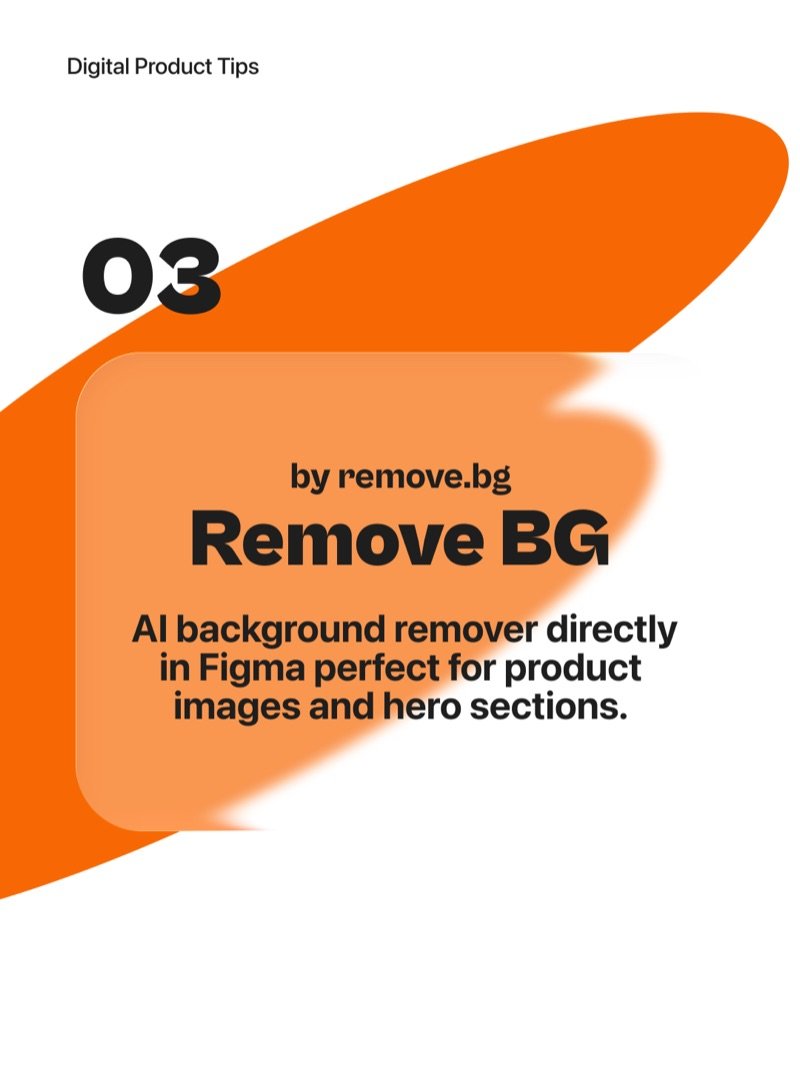
Remove BG

AI background remover built directly into Figma by remove.bg. Perfect for cleaning up product images and hero section visuals in seconds - no Photoshop required.

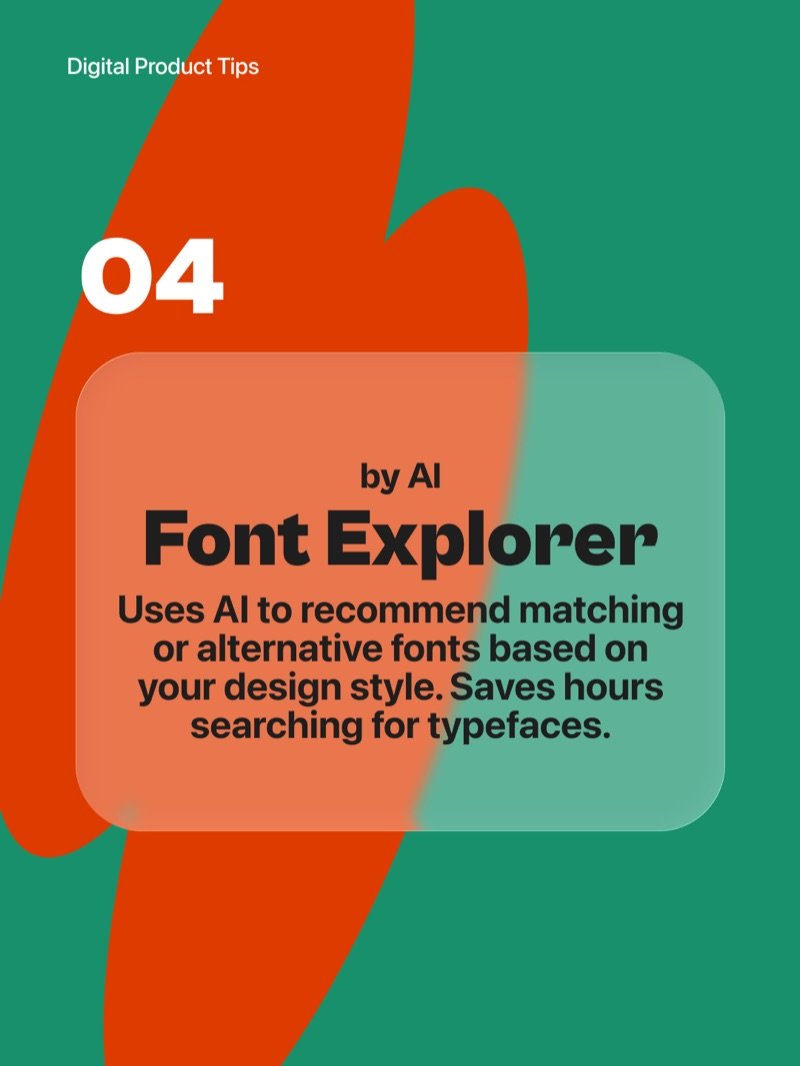
Font Explorer

Uses AI to recommend matching or alternative fonts based on your current design style. Saves hours of searching through typefaces by surfacing options that actually complement what you are already building.

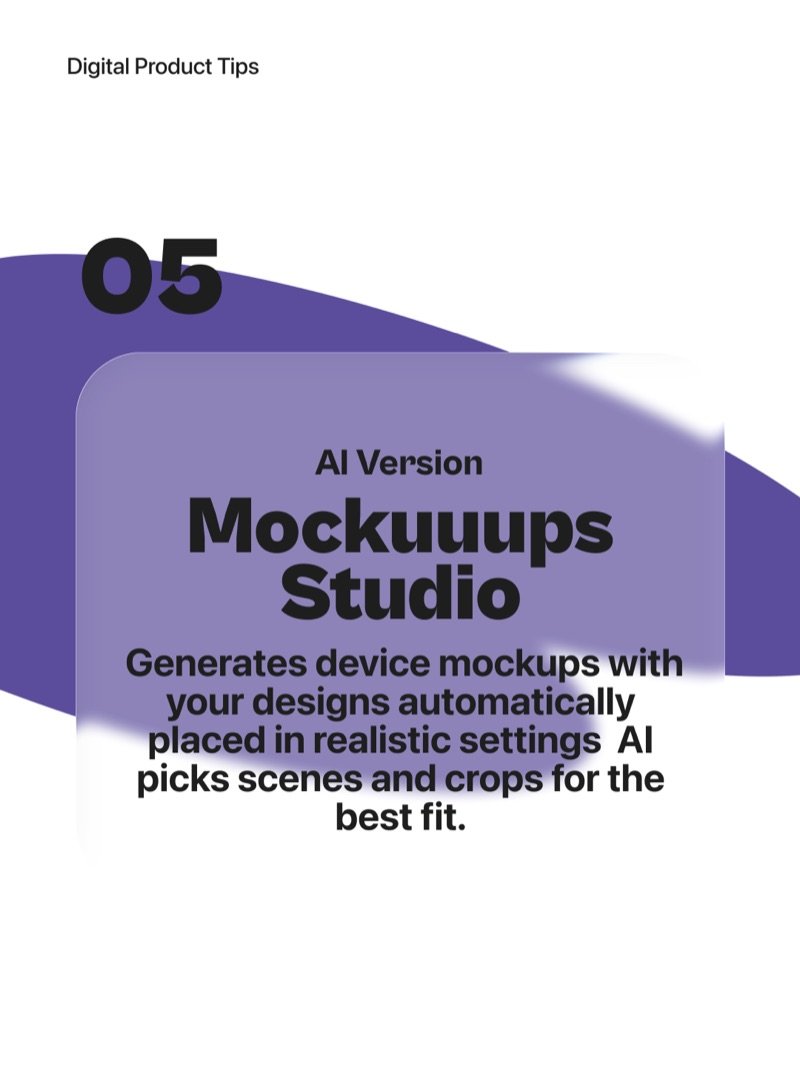
Mockuuups Studio

Generates device mockups with your designs automatically placed in realistic settings. The AI picks the best scenes and crops for the best fit - presentation-ready in one click.

More articles

  • Seed Numbers in AI Prompts

    Seed numbers are the secret to consistent AI-generated content - understand them and you unlock reproducible creativity.

  • AI-Powered UX Writing

    Create better microcopy faster with AI - learn how to draft, iterate, and localise UX copy without slowing down your design process.

  • Measuring UX Like a Pro

    Great UX is not a lucky guess - it is a science backed by numbers. Here are 6 powerful metrics every designer and product team should track.

  • From Figma to Notion by n8n

    How I used n8n to automatically turn every Figma comment into a Notion task - no copy-paste, no coding, no lost feedback.

  • JSON Prompting Power

    Structure your AI prompts like a design system - modular, predictable, and easy to iterate.

  • Meet Nano Banana

    Google's Gemini 2.5 Flash model lets you edit photos step by step while keeping faces consistent and results realistic.

  • 5 Figma Plugins, Part 2

    Five Figma plugins that save hours every week, each one solving a specific pain point that slows down design work.

  • AI in UX Research

    How I use AI to move faster, think deeper, and focus more on people rather than paperwork across every stage of UX research.