JSON Prompting Power
AI TOOLS


Structure your AI prompts like a design system - modular, predictable, and easy to iterate.
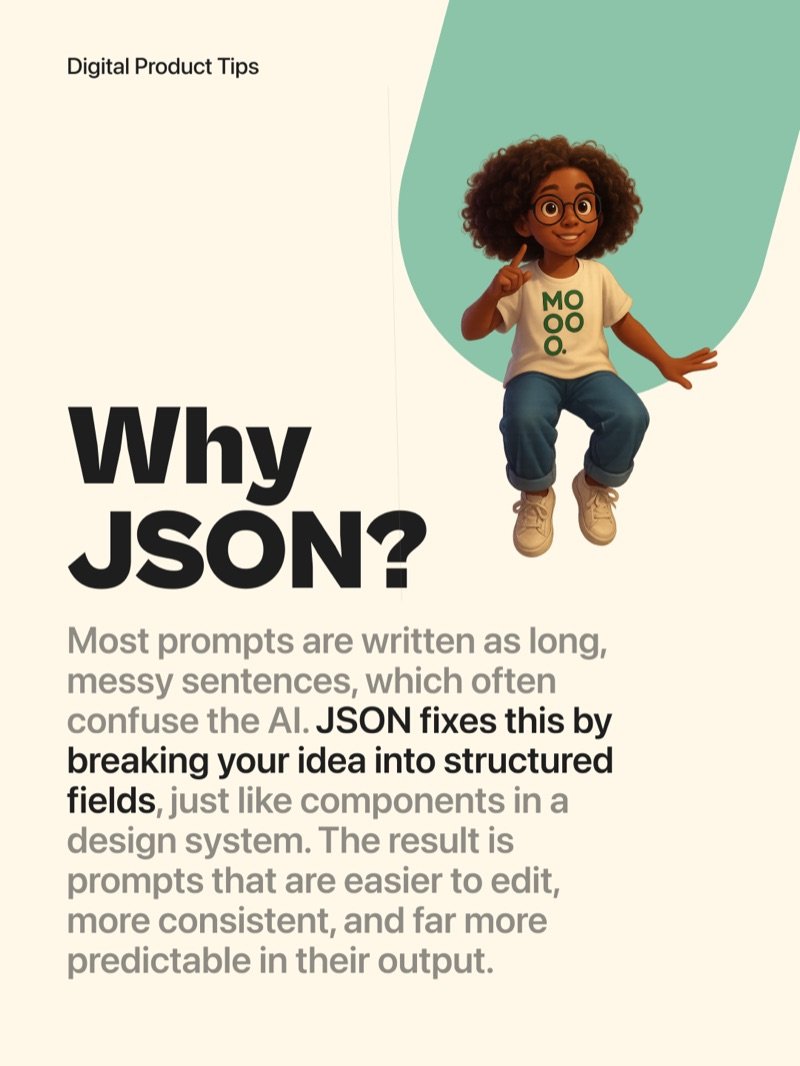
Most prompts are written as long, messy sentences that confuse the AI. JSON fixes this by breaking your idea into structured fields - just like components in a design system. The result is prompts that are easier to edit, more consistent, and far more predictable in their output.
Why JSON
Instead of writing one long sentence, you separate each intention into its own field. Change one thing at a time without rewriting everything. It mirrors how designers think - in layers, not paragraphs.
Keep It Modular
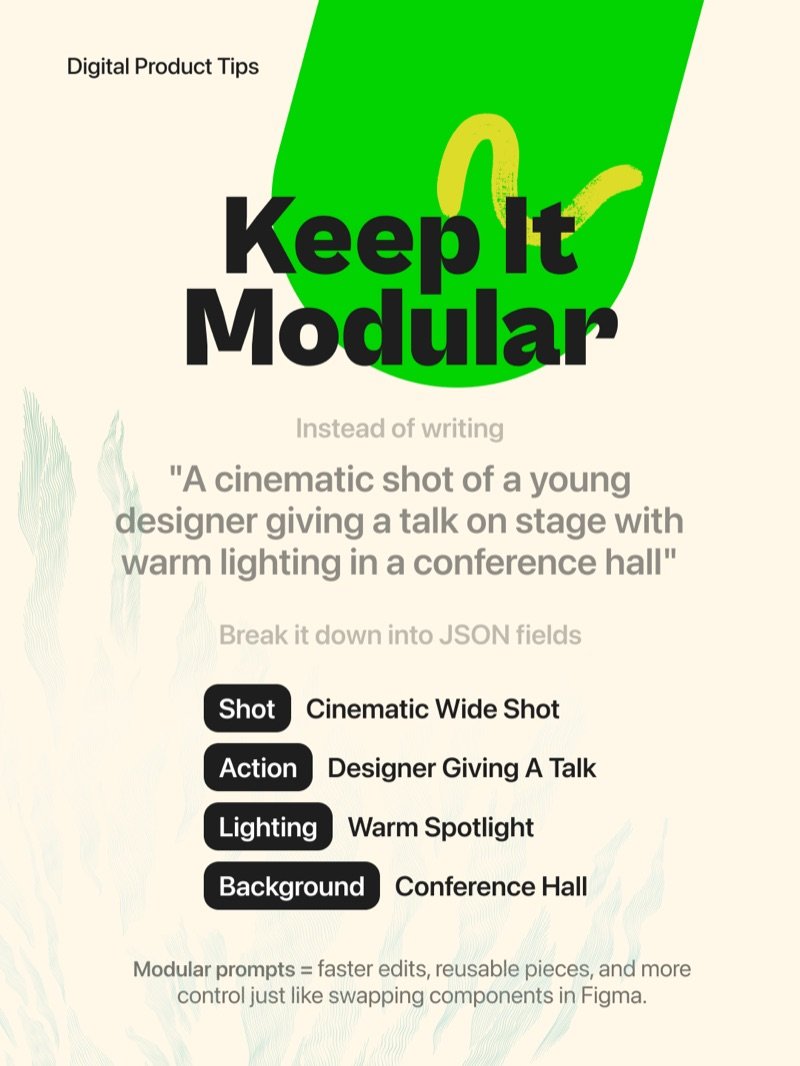
Take a prompt like "A cinematic shot of a young designer giving a talk on stage with warm lighting in a conference hall" and break it into separate fields: Shot, Action, Lighting, Background. Modular prompts mean faster edits, reusable pieces, and more control - just like swapping components in Figma.
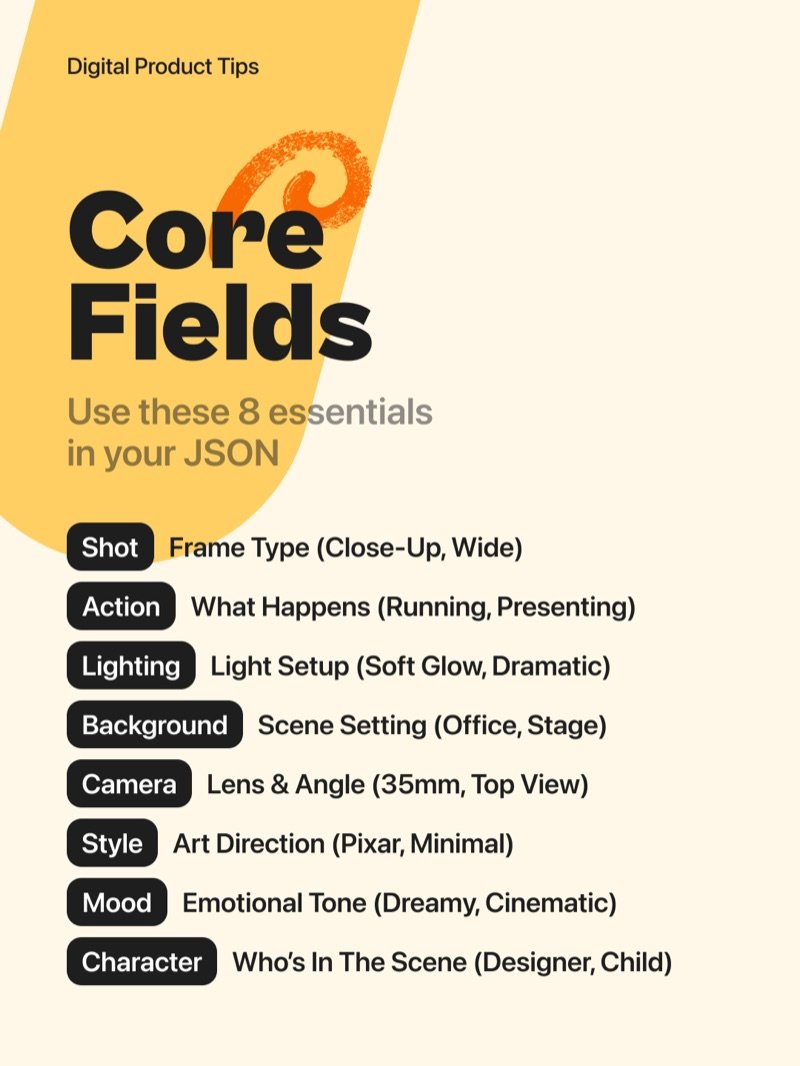
The 8 Core Fields
Shot defines the frame type (Close-Up, Wide). Action describes what happens (Running, Presenting). Lighting sets the light setup (Soft Glow, Dramatic). Background is the scene setting (Office, Stage). Camera covers lens and angle (35mm, Top View). Style is the art direction (Pixar, Minimal). Mood sets the emotional tone (Dreamy, Cinematic). Character specifies who is in the scene (Designer, Child).
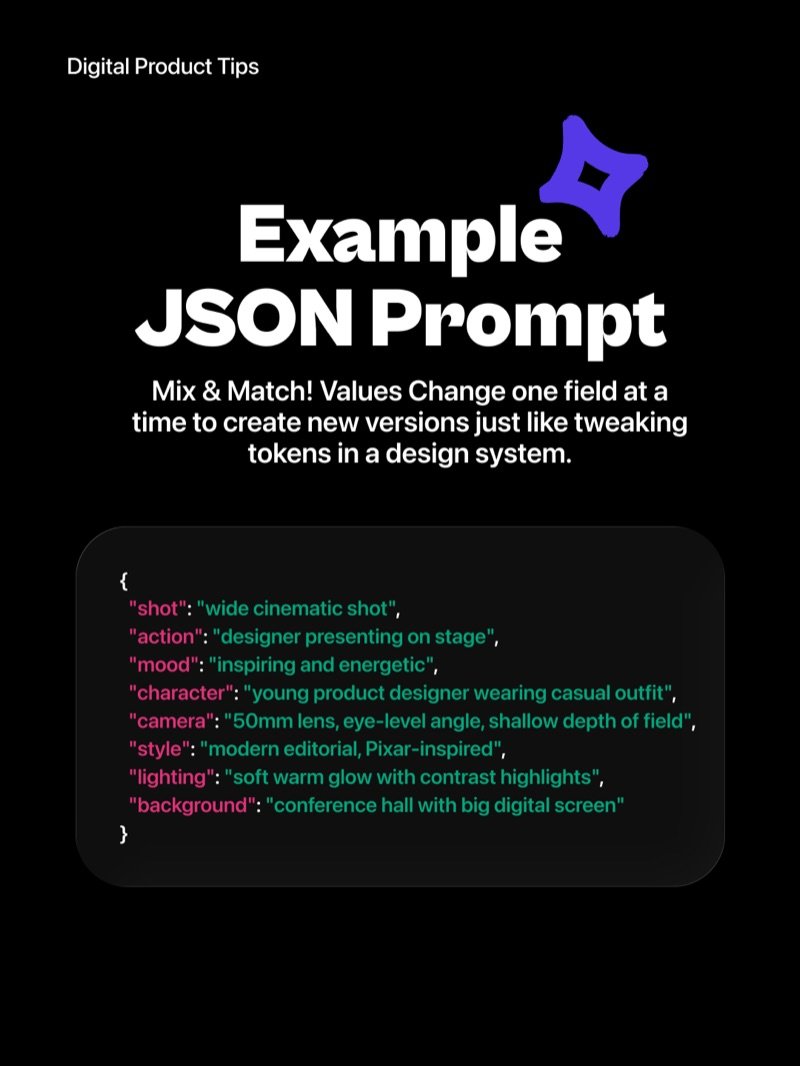
Example JSON Prompt
Start with shot, action, mood, character, camera, style, lighting, and background. Change one field at a time to create entirely new versions - just like tweaking tokens in a design system. The output becomes predictable, repeatable, and easy to share with your team.
Pro Trick - Extend Your Fields
Once you have the basics, go further. Add fields like textures, composition, and color_theme to unlock even more precision. The more specific your fields, the more on-brand and consistent your results.