Meet Nano Banana
AI TOOLS
Google's Gemini 2.5 Flash model lets you edit photos step by step while keeping faces consistent and results realistic.
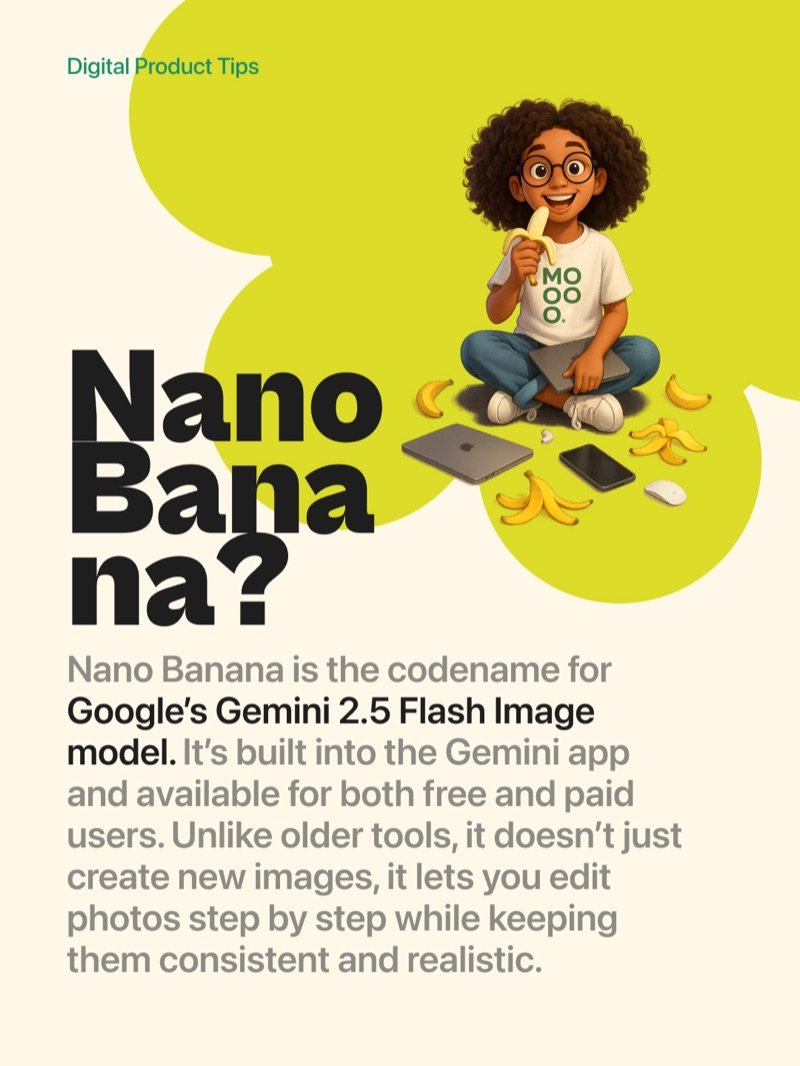
Nano Banana is the codename for Google's Gemini 2.5 Flash Image model. Built into the Gemini app and available for free and paid users, it lets you edit photos step by step - unlike older AI tools that change everything whenever you touch anything.
What makes it different
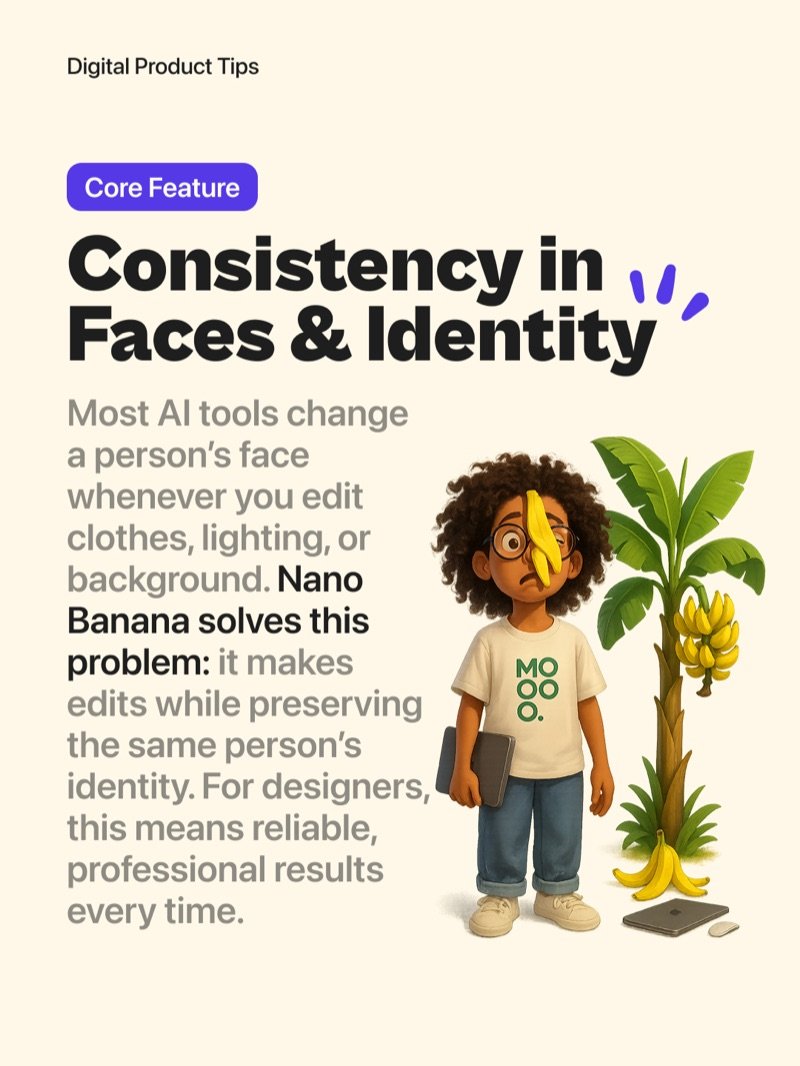
Most AI tools change a person's face whenever you edit clothes, lighting, or background. Nano Banana preserves identity throughout every edit. For designers, that means professional and reliable results every time without guessing what you'll get.
How to use it
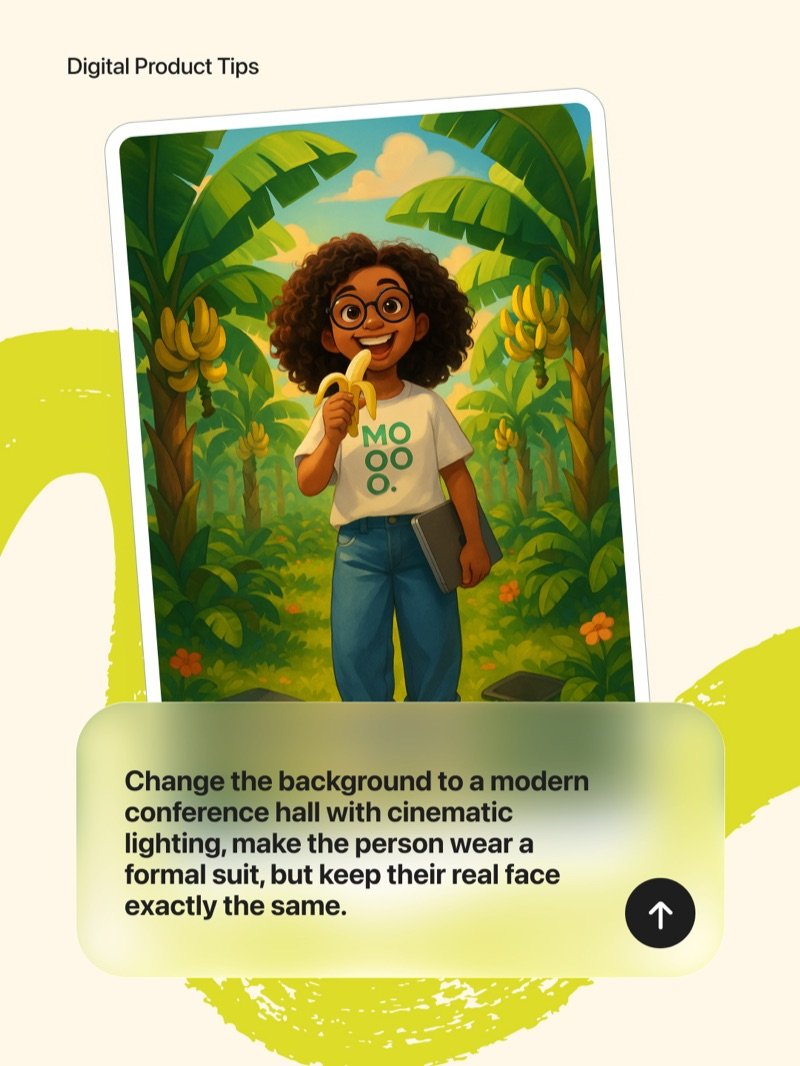
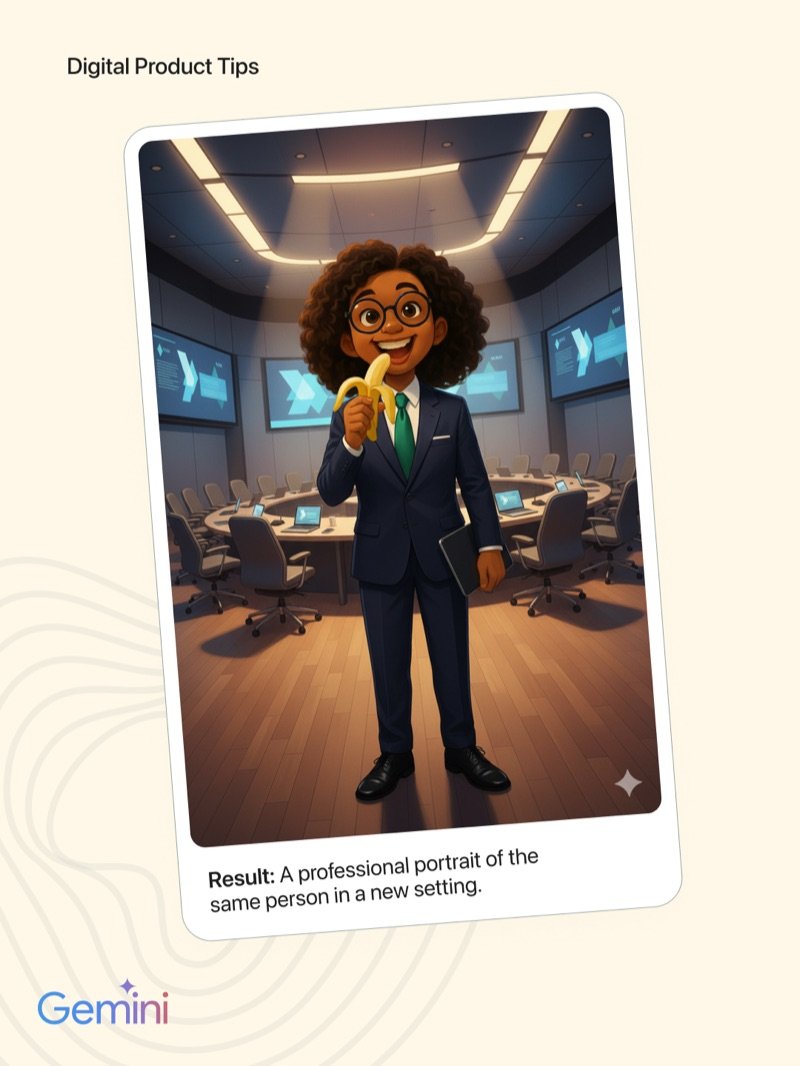
Give it a descriptive prompt - for example: 'Change the background to a modern conference hall with cinematic lighting, make the person wear a formal suit, but keep their real face exactly the same.' The result is a fully transformed photo with the original face intact.
Merge Multiple Photos
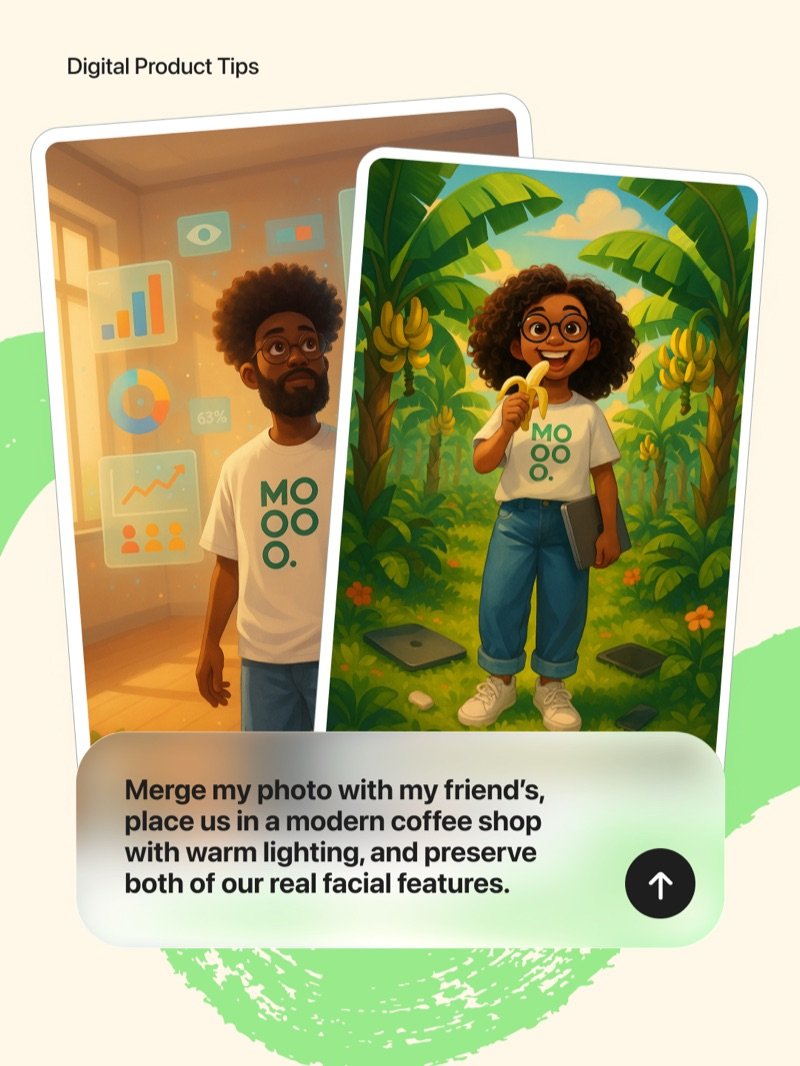
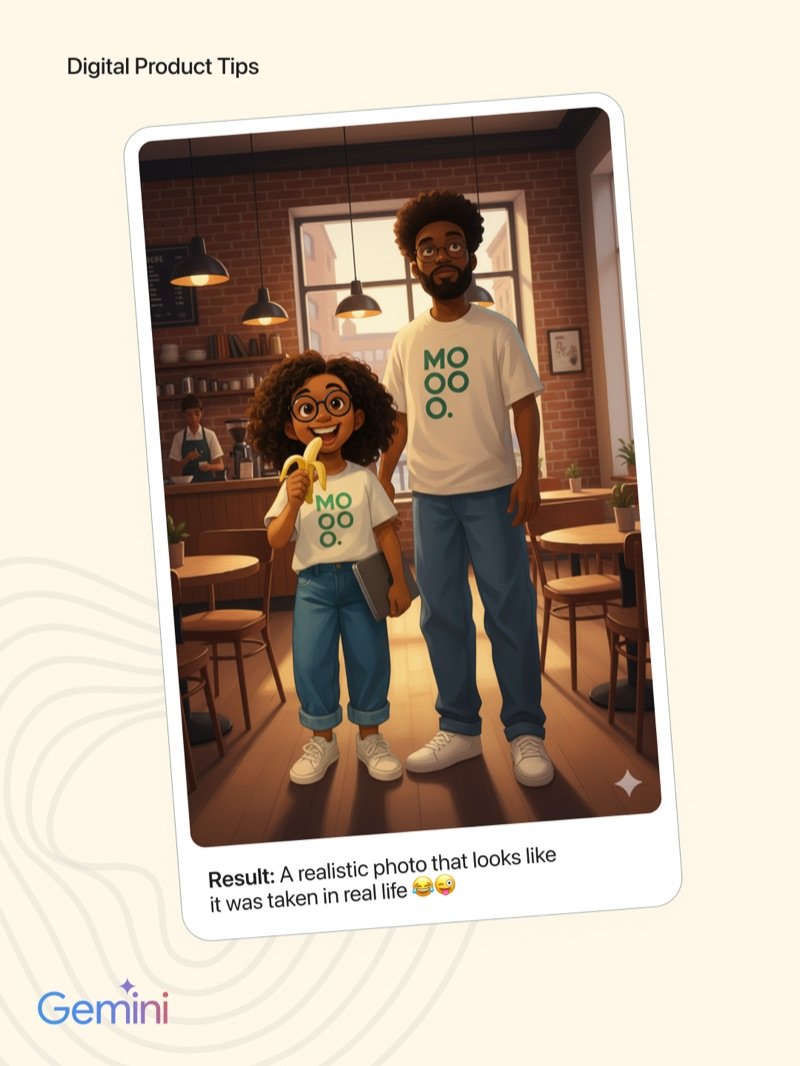
Combine two or more people into one scene. Place your photo and a friend's together in a coffee shop or office setting with matching lighting. Nano Banana aligns the details so the result looks like it was actually taken in real life.
Free vs. Paid - How Tokens Work
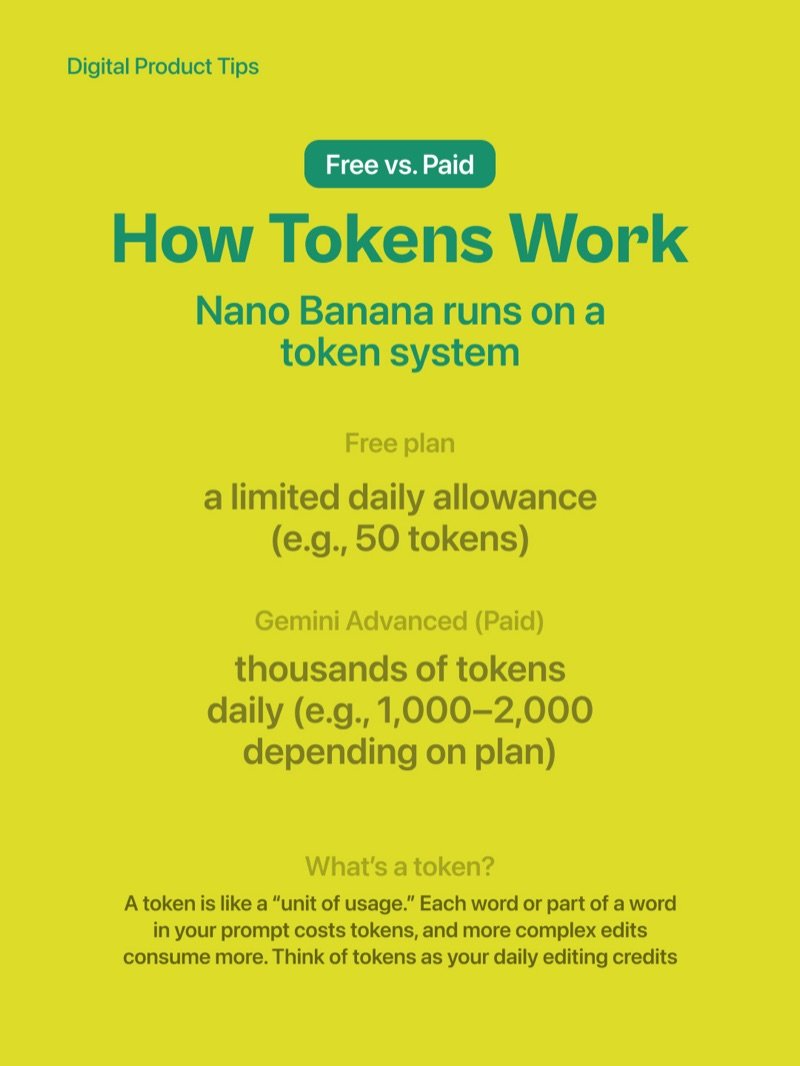
Nano Banana runs on a token system. Free users get a limited daily allowance (around 50 tokens). Gemini Advanced subscribers unlock thousands of tokens daily (1,000-2,000 depending on plan). Each word in your prompt costs tokens and more complex edits consume more.
Why designers should care
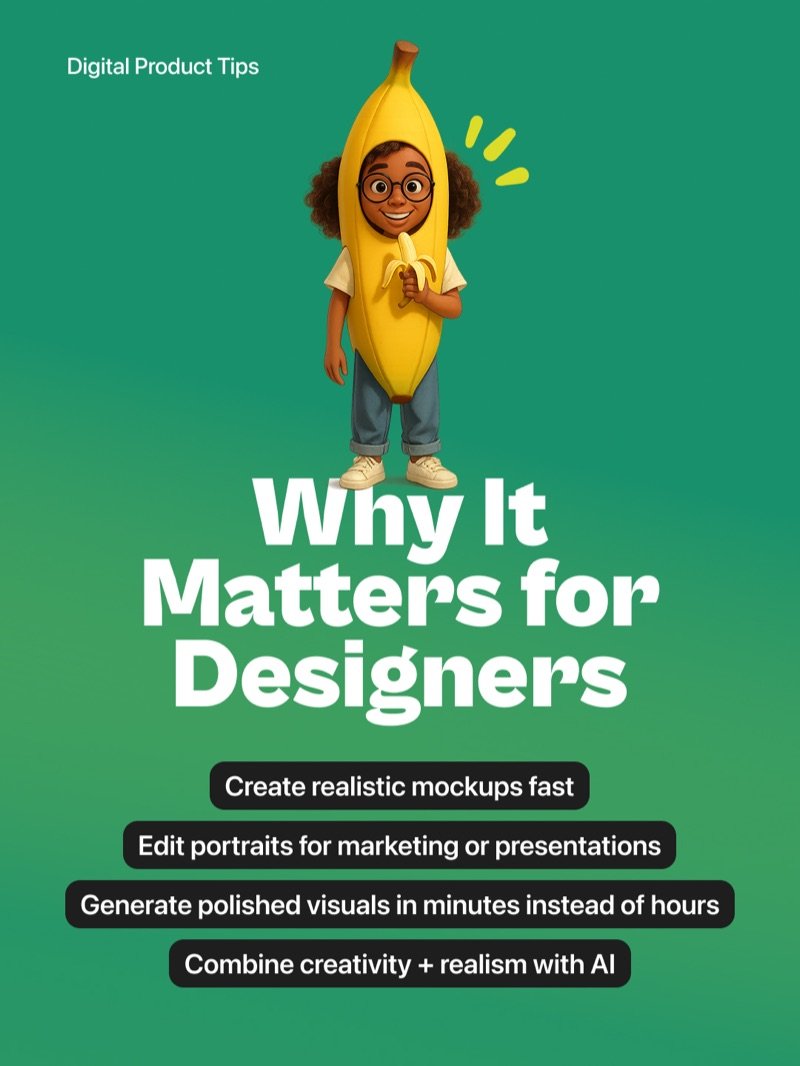
Create realistic mockups fast. Edit portraits for marketing or presentations. Generate polished visuals in minutes instead of hours. Combine AI realism with your creative direction for work that used to require a full production team.