AI in UX Research
AI UX

How I use AI to move faster, think deeper, and focus more on people rather than paperwork across every stage of UX research.
From preparing studies to analyzing results, AI has become a core part of how I work as a designer. It does not replace my judgment - it removes the repetitive weight so I can focus on what matters: understanding people.
Preparing research faster
AI helps me draft interview questions, survey flows, and screener templates in minutes. I still refine everything manually to ensure alignment with research goals and human context. AI handles structure, I handle substance.
Sorting through complex data
Instead of drowning in raw responses and notes, I use AI to cluster feedback, tag sentiment, and highlight recurring pain points. It speeds up synthesis while keeping me in control of interpretation and prioritization.
Accelerating competitor analysis
AI scans competitors websites, app reviews, and feature sets to surface insights on strengths, weaknesses, and opportunities. This saves hours in early analysis and lets me spend more time shaping a strategic UX direction.
Testing ideas early
I use AI to simulate user feedback on early design ideas - like a quick pre-test before usability testing. It helps validate assumptions, spot friction points, and fine-tune flows faster, without replacing real user sessions.
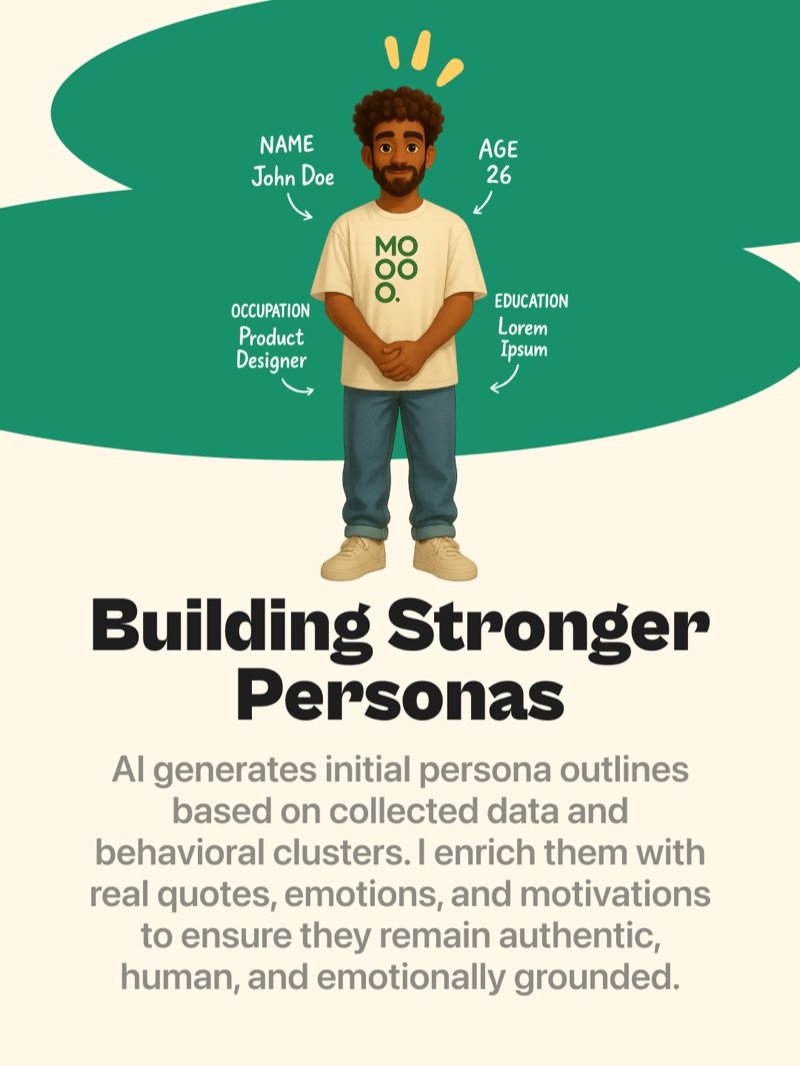
Building stronger personas
AI generates initial persona outlines based on collected data and behavioral clusters. I enrich them with real quotes, emotions, and motivations to ensure they remain authentic, human, and emotionally grounded.
The real impact
By automating repetitive tasks like sorting data, drafting surveys, and organizing findings, AI gives me time to dive deeper into why users behave the way they do. It shifts my focus from documentation to discovery, from busywork to better insights.