AI-Powered UX Writing
UX WRITING

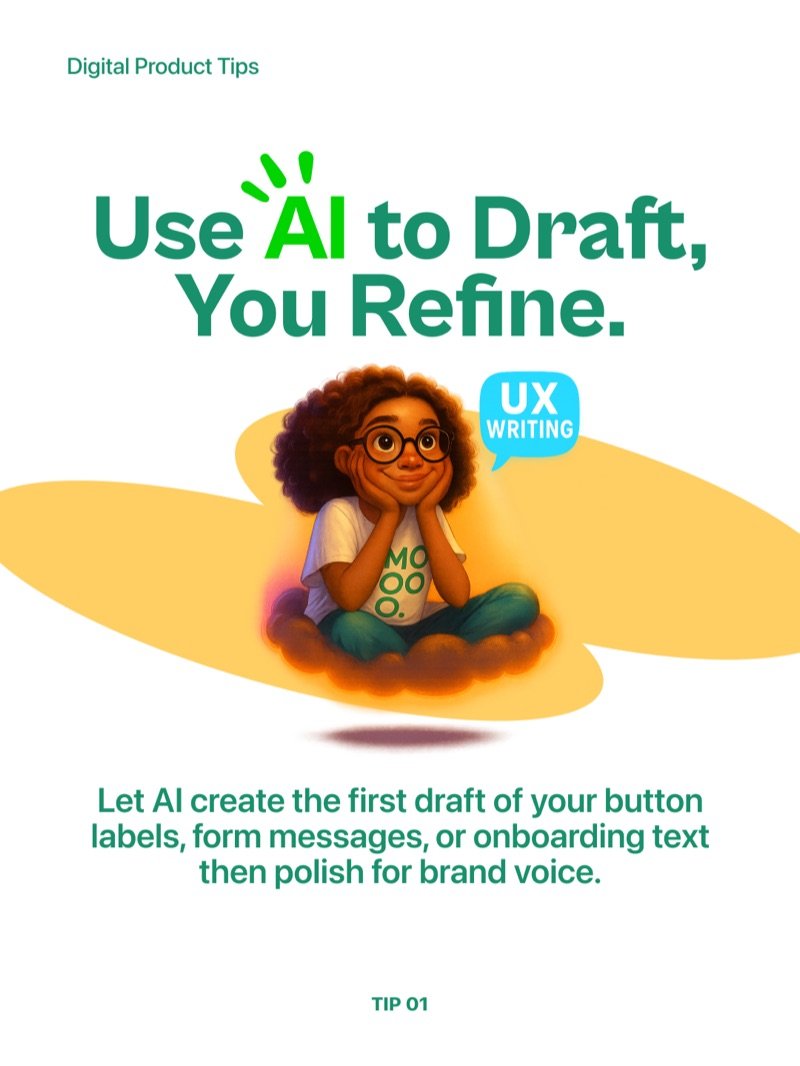



Create better microcopy faster with AI - learn how to draft, iterate, and localise UX copy without slowing down your design process.
AI does not replace UX writers - it removes the blank page problem. Use it to generate the first draft of button labels, form messages, and onboarding text, then polish the output for brand voice. The thinking stays yours, the typing gets faster.
Tip 1 - Use AI to Draft, You Refine
Let AI create the first draft of your microcopy, then edit it to match your product tone. This approach cuts writing time significantly while keeping a human in control of what actually ships.
Tip 2 - Speed Up Variations
Ask AI to generate multiple versions of the same message so you can quickly A/B test different tones, lengths, or calls to action. What used to take a writing session now takes minutes.
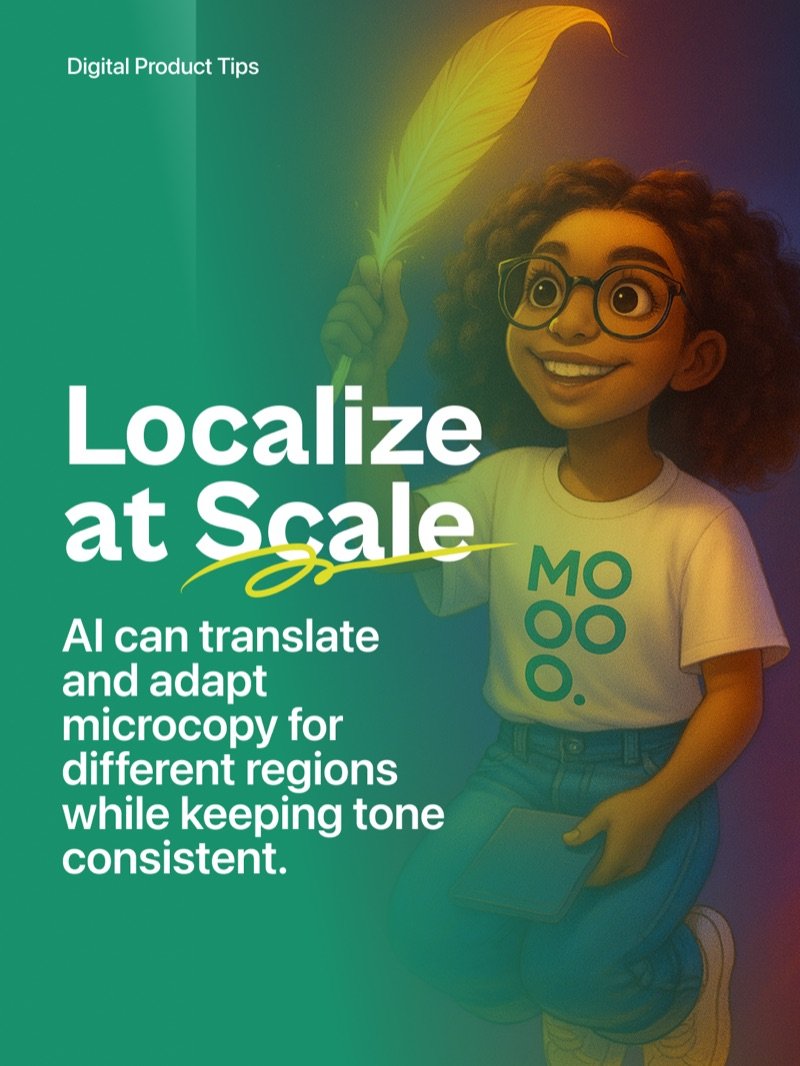
Tip 3 - Localize at Scale
AI can translate and adapt microcopy for different regions while keeping tone consistent. Feed it the original copy and your tone guidelines, and it handles the linguistic heavy lifting across markets.
Stay Consistent with Smart Prompts
Feed AI your brand guidelines and be specific in every prompt. Include context, tone of voice, character limits, and the screen or moment where the copy appears. The more specific your input, the more on-brand your output.
Example Prompt
You are an experienced UX writer working on a telecom mobile app. Your goal is to create onboarding microcopy that feels friendly, concise, and supportive while building user trust. Generate 5 different onboarding welcome messages, each under 40 characters, using plain language and avoiding technical jargon. Maintain a consistent brand voice that is warm, modern, and approachable.