MOOOO.

5 Figma Plugins, Part 2

FIGMA

5 Figma Plugins, Part 2
5 Figma Plugins, Part 2, slide 2 of 6
5 Figma Plugins, Part 2, slide 3 of 6
5 Figma Plugins, Part 2, slide 4 of 6
5 Figma Plugins, Part 2, slide 5 of 6
5 Figma Plugins, Part 2, slide 6 of 6

Five Figma plugins that save hours every week, each one solving a specific pain point that slows down design work.

These plugins do not just add features. They remove friction. Each one handles a repetitive task so you can focus on the actual design.

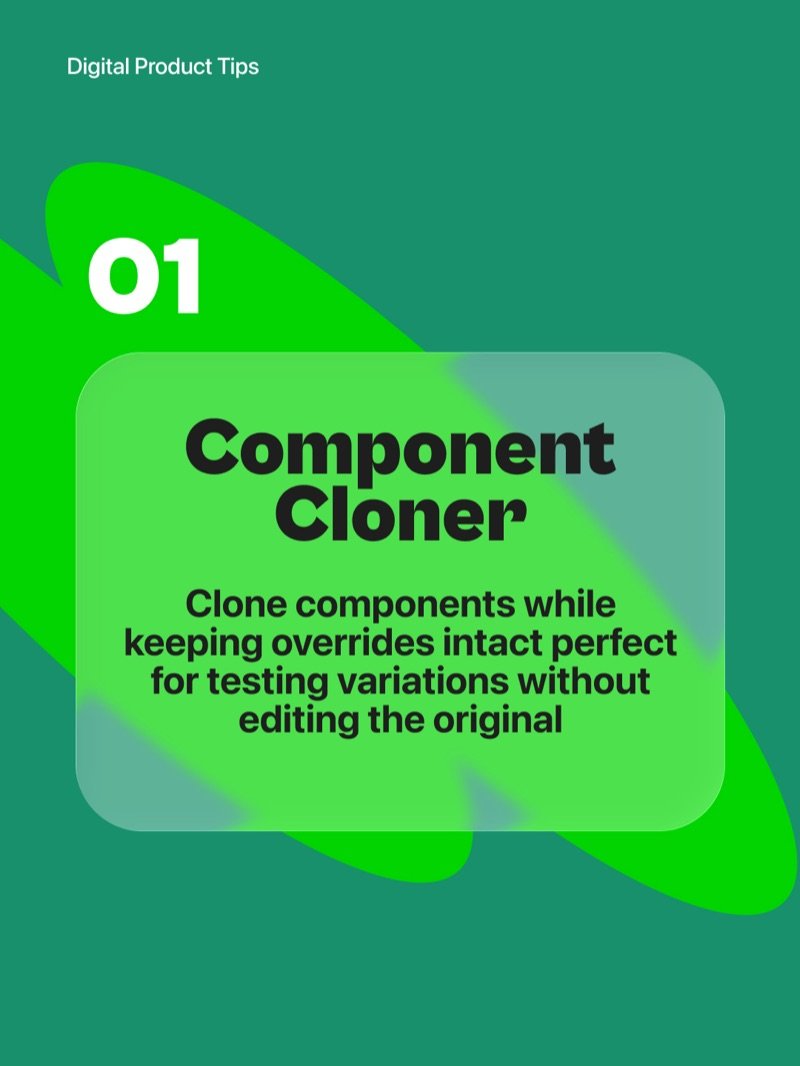
Component Cloner

Clone components while keeping all overrides intact. Perfect for testing variations without touching the original component or breaking anything else in your file.

Nisa Text Splitter

Split multi-line text into separate layers, sort or clean duplicates, and merge them back when needed. A huge time-saver for working with lists, tables, and data-heavy screens.

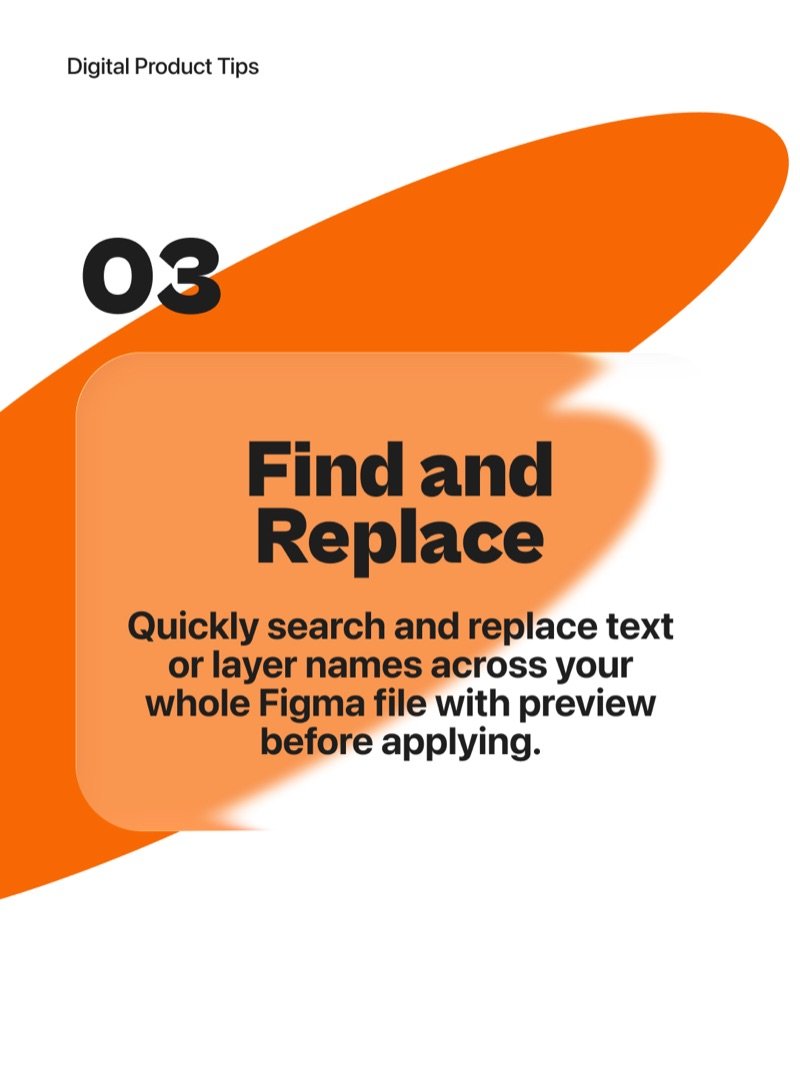
Find and Replace

Search and replace text or layer names across your entire Figma file. Preview changes before applying so nothing breaks unexpectedly. Saves you from manual hunting across hundreds of layers.

Clean Document

Instantly tidy up your file by removing hidden layers, deleting unused styles, and organizing your workspace. Keeps your files lean, fast, and easy to hand off.

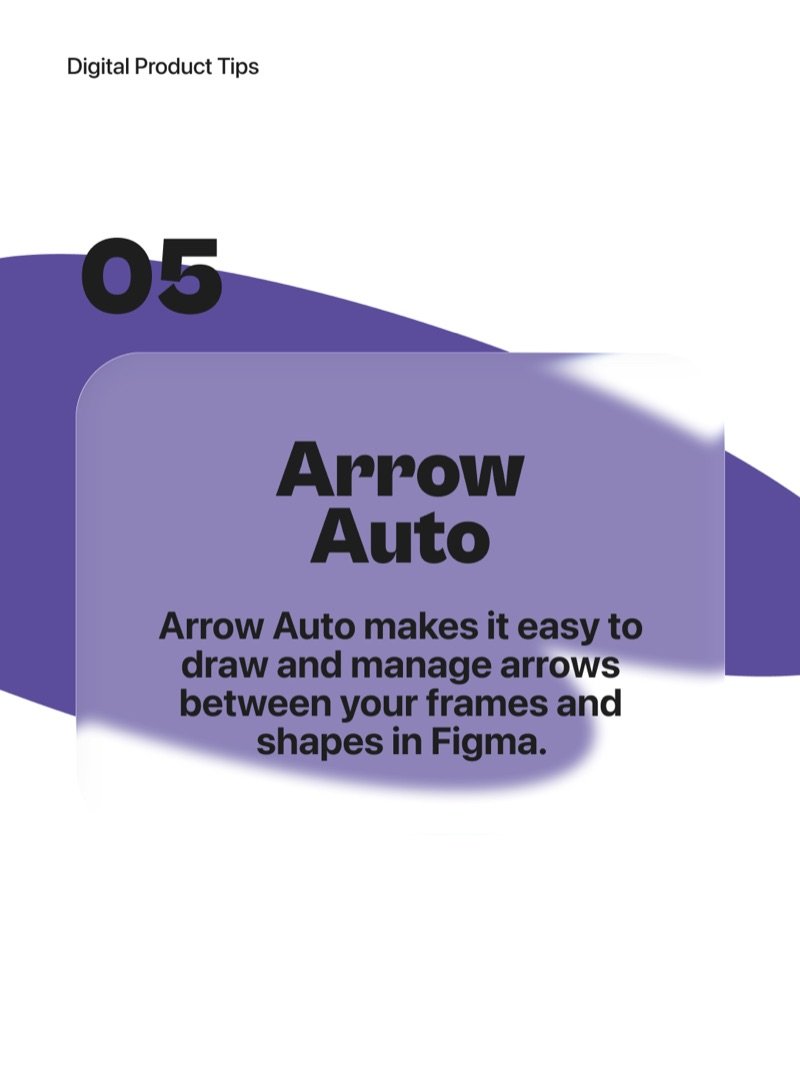
Arrow Auto

Draw and manage arrows between frames and shapes with ease. No more manually adjusting connectors every time you move an element. Great for user flows and system diagrams.

More articles

  • Seed Numbers in AI Prompts

    Seed numbers are the secret to consistent AI-generated content - understand them and you unlock reproducible creativity.

  • AI-Powered UX Writing

    Create better microcopy faster with AI - learn how to draft, iterate, and localise UX copy without slowing down your design process.

  • 5 Figma Plugins, Part 1

    Five AI-powered Figma plugins that supercharge your workflow so you can design smarter, not harder.

  • Measuring UX Like a Pro

    Great UX is not a lucky guess - it is a science backed by numbers. Here are 6 powerful metrics every designer and product team should track.

  • From Figma to Notion by n8n

    How I used n8n to automatically turn every Figma comment into a Notion task - no copy-paste, no coding, no lost feedback.

  • JSON Prompting Power

    Structure your AI prompts like a design system - modular, predictable, and easy to iterate.

  • Meet Nano Banana

    Google's Gemini 2.5 Flash model lets you edit photos step by step while keeping faces consistent and results realistic.

  • AI in UX Research

    How I use AI to move faster, think deeper, and focus more on people rather than paperwork across every stage of UX research.