MOOOO.

Seed Numbers in AI Prompts

AI TOOLS
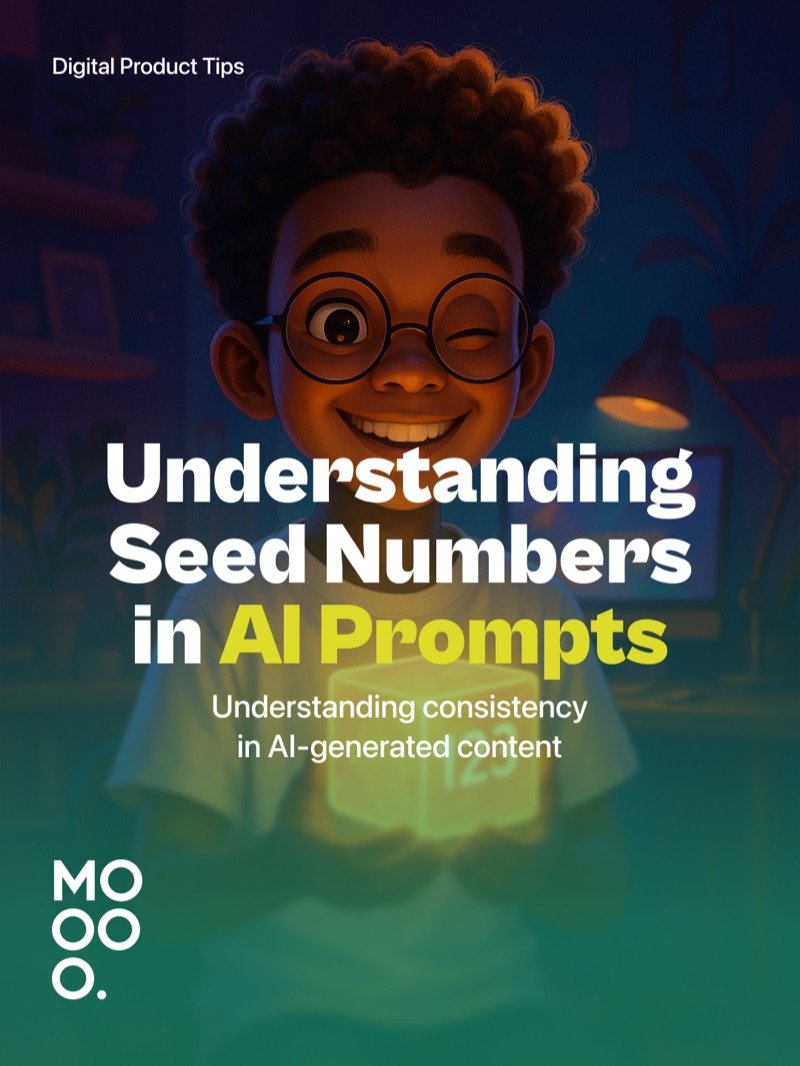
Seed Numbers in AI Prompts
Seed Numbers in AI Prompts, slide 2 of 6
Seed Numbers in AI Prompts, slide 3 of 6
Seed Numbers in AI Prompts, slide 4 of 6
Seed Numbers in AI Prompts, slide 5 of 6
Seed Numbers in AI Prompts, slide 6 of 6

Seed numbers are the secret to consistent AI-generated content - understand them and you unlock reproducible creativity.

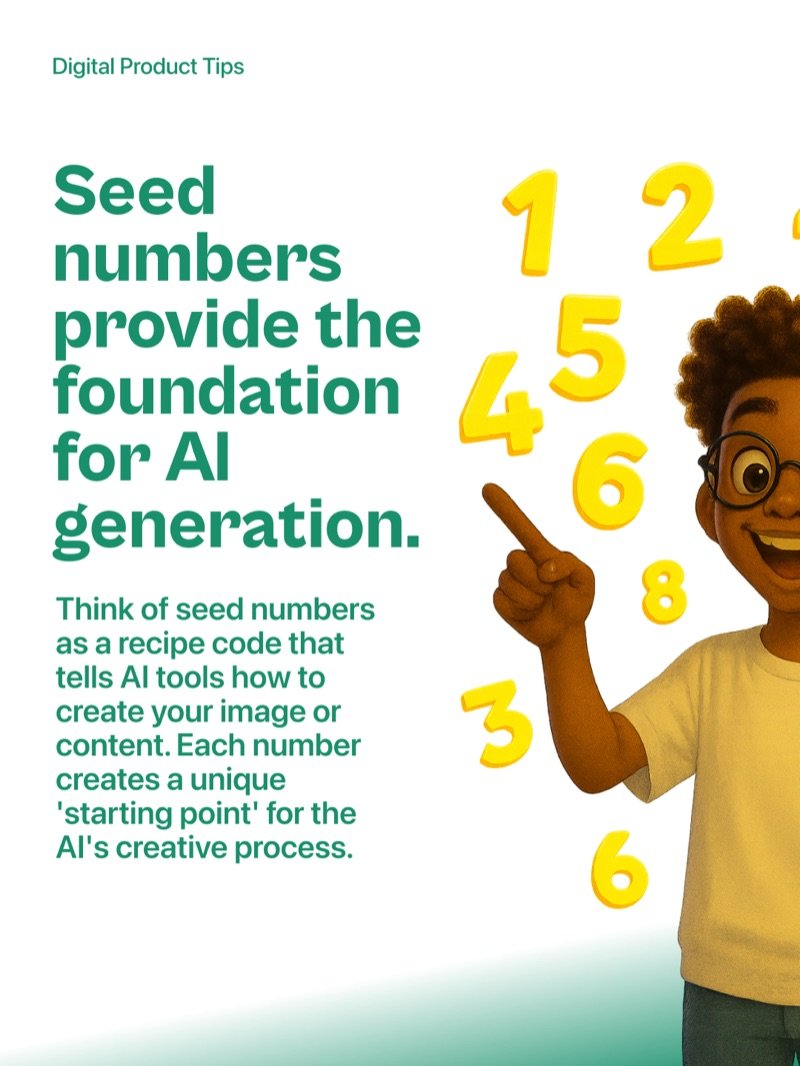
Think of seed numbers as a recipe code that tells AI tools how to create your image or content. Each number creates a unique starting point for the AI creative process. Same seed plus same prompt equals nearly identical results every time.

How Seed Numbers Control Consistency

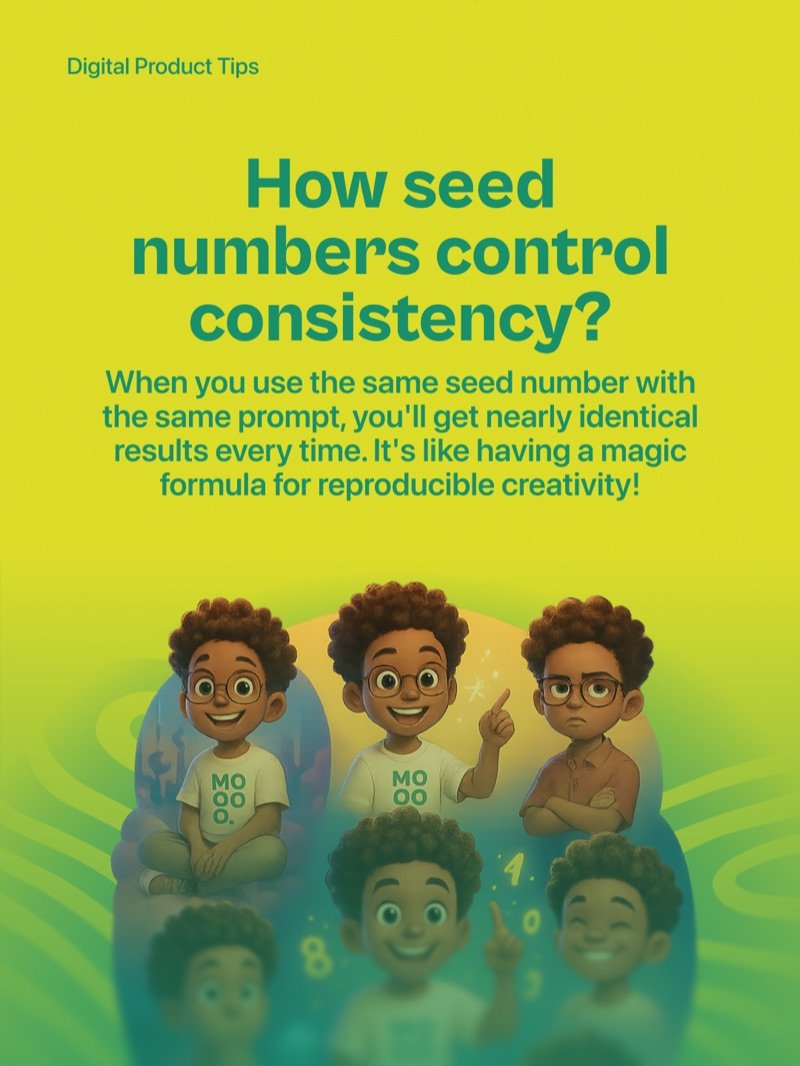
When you use the same seed number with the same prompt, you get nearly identical results every single time. It is like having a magic formula for reproducible creativity - something designers can rely on for brand consistency across a project.

Why It Matters for Designers

Seed numbers let you create consistent character designs across projects, generate matching icons in the same style, reproduce successful results for client revisions, and build cohesive visual systems with AI tools. No more lottery every time you regenerate.

Start by Experimenting

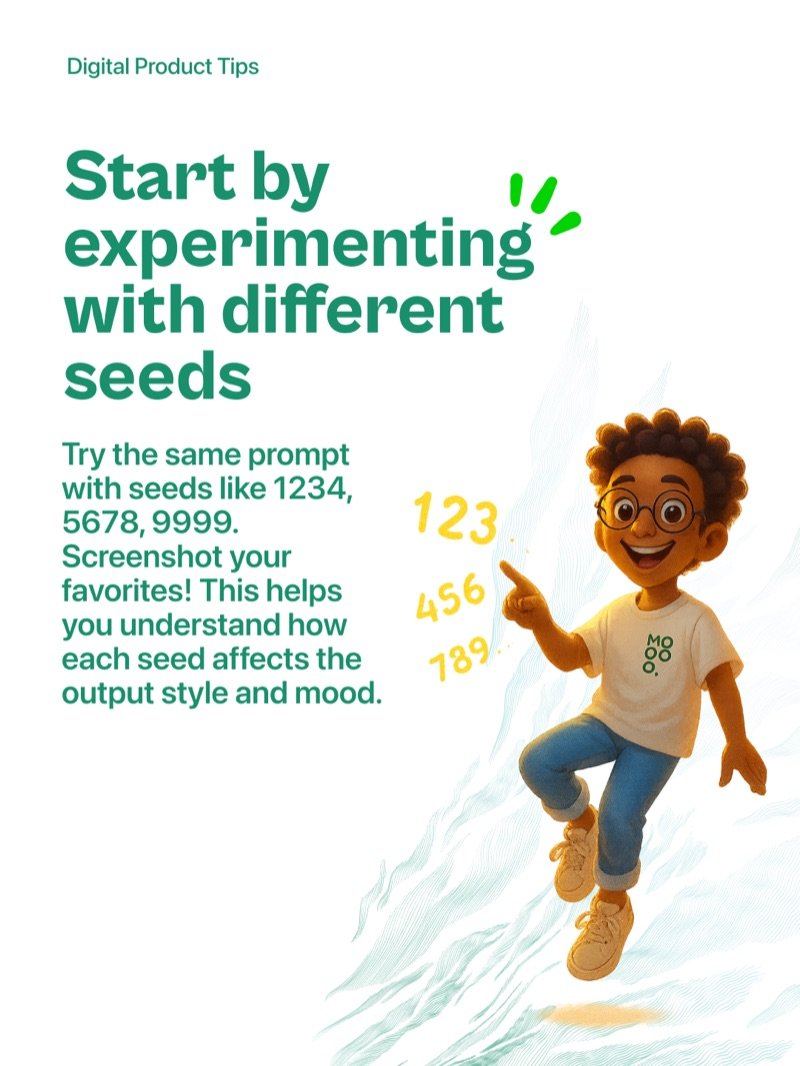
Try the same prompt with seeds like 1234, 5678, and 9999. Screenshot your favorites. This helps you understand how each seed affects the output style and mood before committing to one for a project.

Save Your Winning Combinations

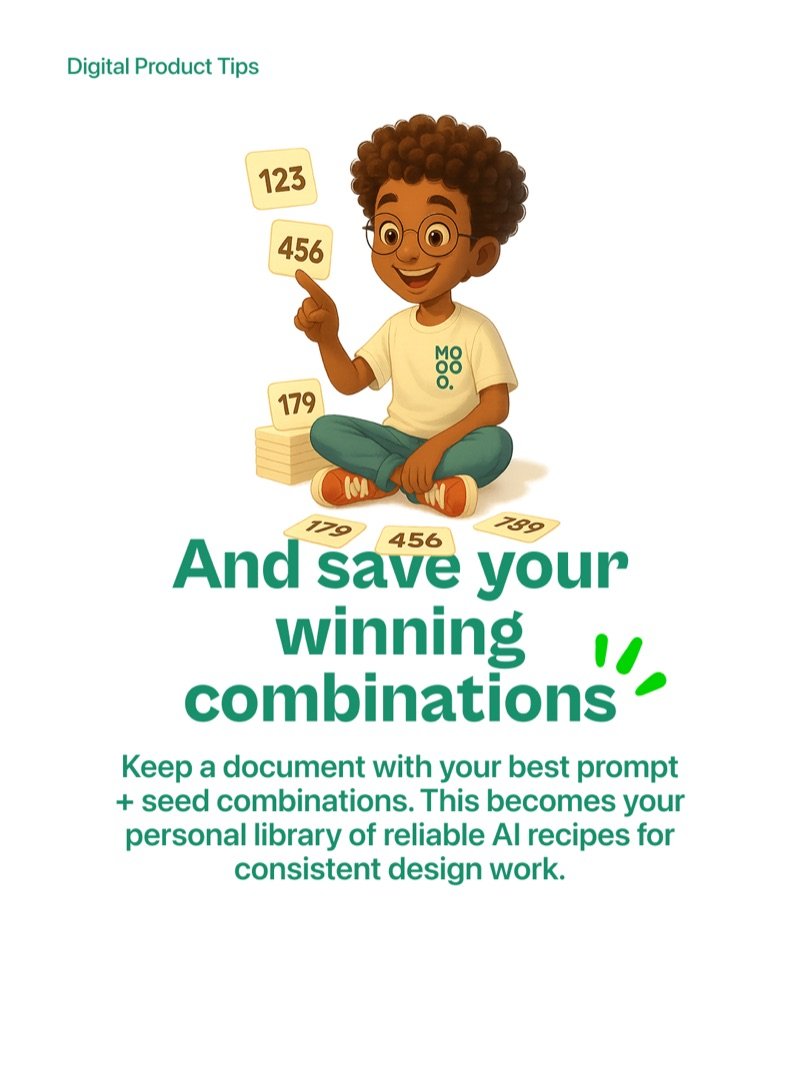
Keep a document with your best prompt and seed combinations. This becomes your personal library of reliable AI recipes for consistent design work - a system you can return to and build on over time.

More articles

  • AI-Powered UX Writing

    Create better microcopy faster with AI - learn how to draft, iterate, and localise UX copy without slowing down your design process.

  • 5 Figma Plugins, Part 1

    Five AI-powered Figma plugins that supercharge your workflow so you can design smarter, not harder.

  • Measuring UX Like a Pro

    Great UX is not a lucky guess - it is a science backed by numbers. Here are 6 powerful metrics every designer and product team should track.

  • From Figma to Notion by n8n

    How I used n8n to automatically turn every Figma comment into a Notion task - no copy-paste, no coding, no lost feedback.

  • JSON Prompting Power

    Structure your AI prompts like a design system - modular, predictable, and easy to iterate.

  • Meet Nano Banana

    Google's Gemini 2.5 Flash model lets you edit photos step by step while keeping faces consistent and results realistic.

  • 5 Figma Plugins, Part 2

    Five Figma plugins that save hours every week, each one solving a specific pain point that slows down design work.

  • AI in UX Research

    How I use AI to move faster, think deeper, and focus more on people rather than paperwork across every stage of UX research.