Brainboxd Website
Website · UX/UI Design
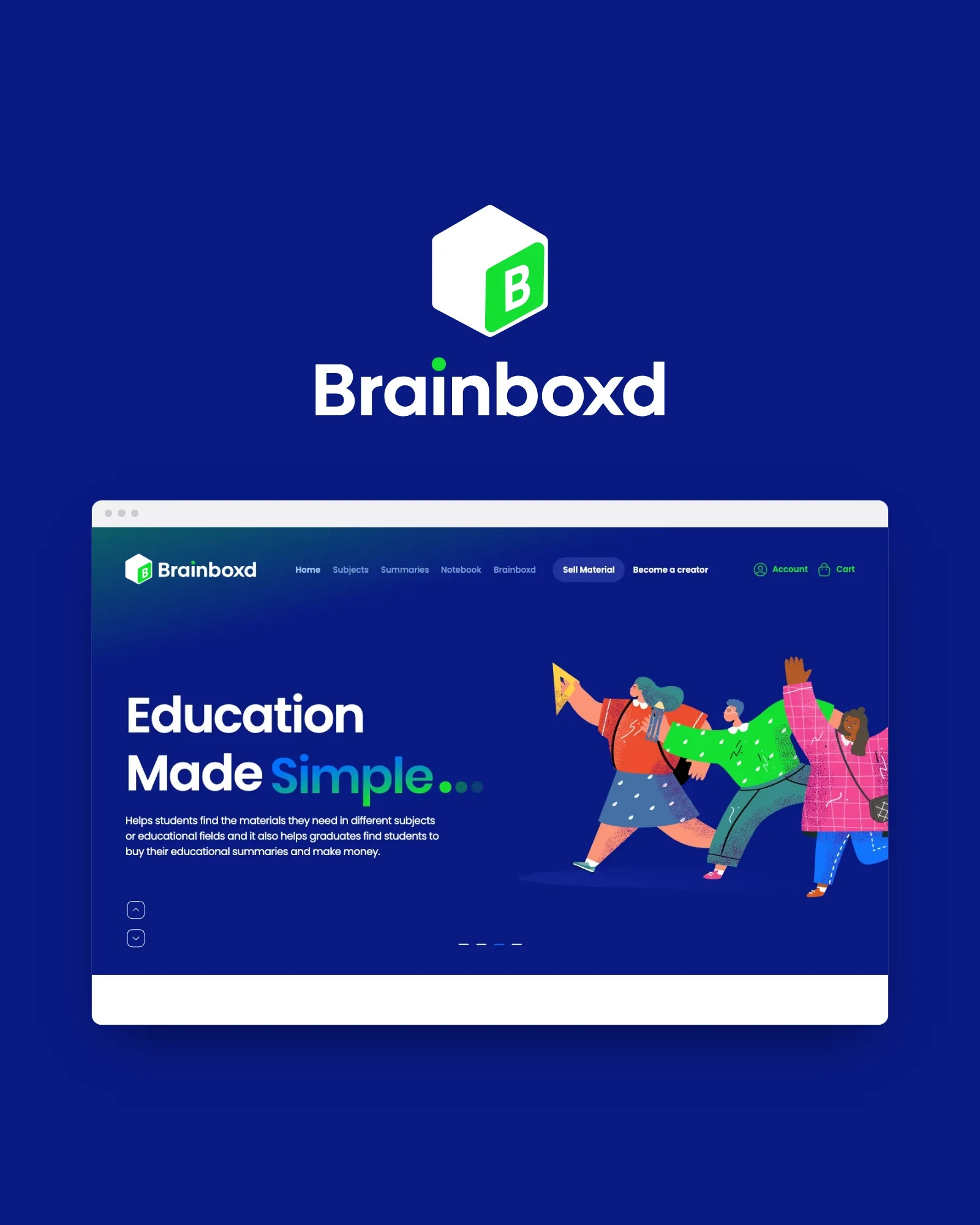
Brainboxd is a marketplace website where students find the summaries they need and graduates sell the ones they made, designed from personas, an empathy map and a user flow, through 37 wireframes to 49 desktop screens.
A marketplace website where students find the summaries they need and graduates sell the ones they already wrote, designed from personas, an empathy map and a user flow, through 37 wireframes to 49 final screens.



Overview
Brainboxd helps students find the materials they need in different subjects or educational fields, and helps graduates find students to buy their educational summaries, and make money.
The website is the marketplace itself: browse summaries by subject, preview and buy them, keep notes, and, for graduates, publish materials and follow their sales.
The design moved from research (two personas, an empathy map and a user flow) through 37 wireframes to 49 final desktop screens.
Client
Brainboxd
Role
UX/UI Designer
Platform
Desktop web
Scope
UX research & UI design
Deliverables
User flow · 37 wireframes · 49 screens
Tools
Figma
In this case study
Too many subjects, too little time.
The problem
Students
Weekly and monthly summaries are required, but there is no time, the subjects are hard, and nobody knows where to begin, so summaries get borrowed from friends and adjusted a bit.
Graduates
After graduating, the summaries made over tens of projects sit unused, while the next students need exactly them, and the graduates would like some extra income.
The opportunity
One marketplace that connects the two: the summaries already exist; they need to be easy to find, to trust and to buy.
Where should I start?
The student and the graduate.
Personas
Two personas from the research: one on each side of the marketplace.
William
Student
Age
19
Occupation
Student
Location
San Francisco
College
Business Administration · 1st year
William is a junior business administration student whose college requests both weekly and monthly subject summaries. He hardly does them, due to a shortage of time or the difficulty of the subjects, and mostly because he doesn’t know where to begin. His traditional way of summarizing is to borrow his friends’ summaries and adjust them a bit.
- Udemy
- Skillshare
- Coursera
- Internet
- Games and social media
- Learning
- Business
- Finding who made the summary before him
- Money
- Finishing his homework on time
- Summarizing the subjects for less
- Can’t finish his homework
- No time to summarize
- No presentation skills
- Doesn’t know where to start
- Wastes time in research
- Foreign-language sources
- Subject summaries in different file formats: ppt, pdf or video
- Subject summaries
- Finishing his homework on time
- College
- Friends
- Books
- TV
- YouTube
Mike
Graduate
Age
25
Occupation
Software engineer
Location
Texas
College
Computer science
Languages
English (US), Spanish
Mike graduated in computer science and worked on tens of projects, through which he made tens of subject summaries. He wanted to make extra money after graduation, started selling his subject summaries to students, and managed to make a passive income.
- Stack Overflow
- Udemy
- YouTube
- Development languages
- Games and social media
- Learning
- Earning money
- Business and entrepreneurs
- Startups
- Freelance work
- No money
- Lots of free time
- Spends a lot of time playing games
- Poor salary
- A super car
- Traveling
- Increase his income
- A big home
- The latest Apple devices
- To take advantage of his time
- Udemy
- Colleagues
- Big tech companies
- Stack Overflow
- Netflix
- YouTube
What a student says, thinks, does and feels.
Empathy map
The student, in their own words. Hover or focus a quadrant to read it on its own.
- Where should I start?
- I don’t have presentation skills
- I can’t summarize my education subject, it’s complicated
- I need the summaries and materials in a Word file
- Is Brainboxd multi-language?
- I want to summarize my subject
- Fear of not finding what I want from the summaries
- I would pay more if there was a good bundle
- By this marketplace I can save my time for something else
- Are summaries reviewed before they are offered for sale on the marketplace?
- Can I edit the material or summary after I purchased?
- What about the refund policy if the material doesn’t fit my requirements?
- I need subject summaries in multiple languages
- Maybe I will sell my own materials / summaries on Brainboxd
- Will I find summaries for my subjects?
- Could subject summaries be in different file formats, such as ppt, pdf or a video?
- Observes in the marketplace
- Asks friends
- Checks the materials and summaries on the website
- Spends too much time summarizing the materials
- Uses Google for everything
- Makes small decisions
- Checks the Brainboxd bundles and subscriptions
- Copies summaries / material from friends and adds a personal touch
- Wastes time in research
- I’m under pressure: I have to summarize many subjects at the same time
- The registration is very long
- I’m happy to find my materials on Brainboxd
- Excited and safe
- Is Brainboxd safe to store my credit card information?
- How can I know these are the right materials?
- They can’t finish their homework
- There will be no result
- There will be no time to summarize
- Summaries are expensive
- They want to summarize the subjects
- Hopes for quick results
- Summaries / materials in the perfect presentation
- Prepared summaries / materials for all subjects, from graduates and already reviewed
- Buy single items or subscribe to a package
What the research asked the website to do.
From research to design
How the findings above translate into the design: each one is answered by screens in the final website.
Show where to start
“Where should I start?” The home page opens on Browse Summaries by subjects, with a quick search, a subject pop-up and new and trending summaries.
Make summaries trustworthy
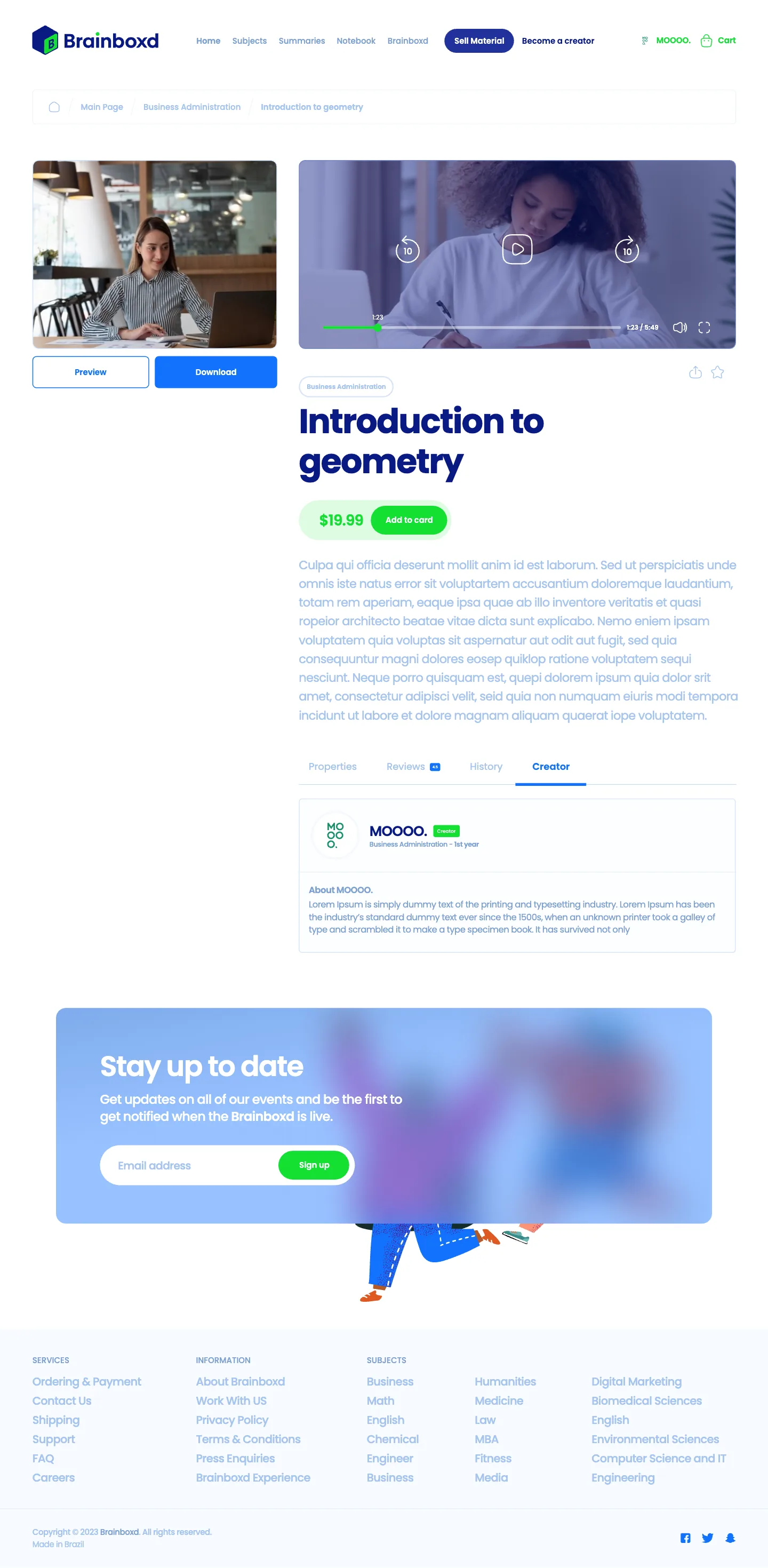
“Are summaries reviewed?” “How can I know these are the right materials?” Every summary has a preview, reviews, a history and its creator, and verified creators are marked.
Let buying feel safe and flexible
“Is Brainboxd safe to store my credit card?” “I would pay more for a good bundle.” A two-step cart, saved payment methods and billing, a wallet, and subscription packages alongside single items.
Turn graduates into creators
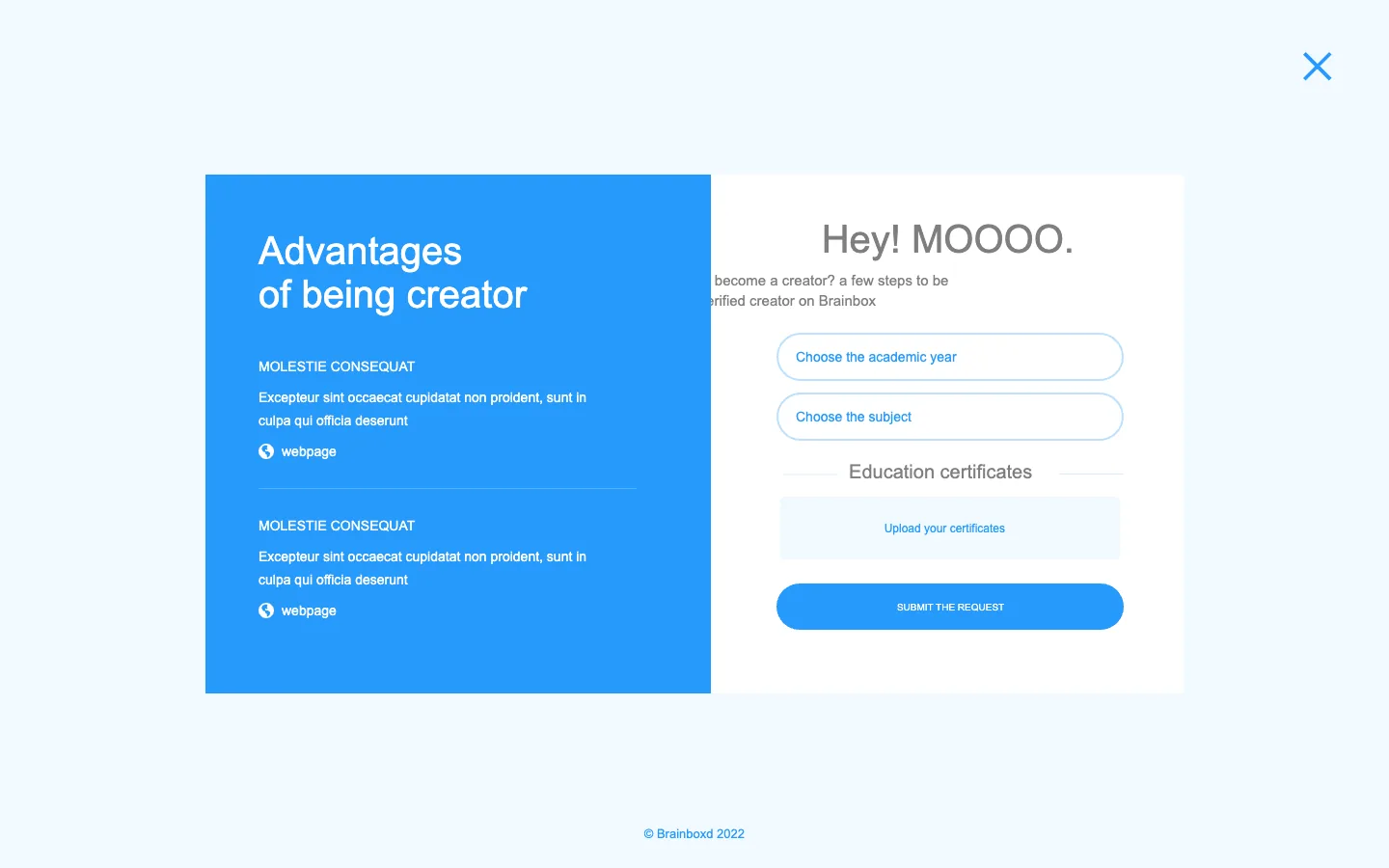
Mike wants income from summaries he already made. Become a creator, Add new material, Materials for sale and Sales statistics give graduates a dashboard of their own.
Keep sign-up short
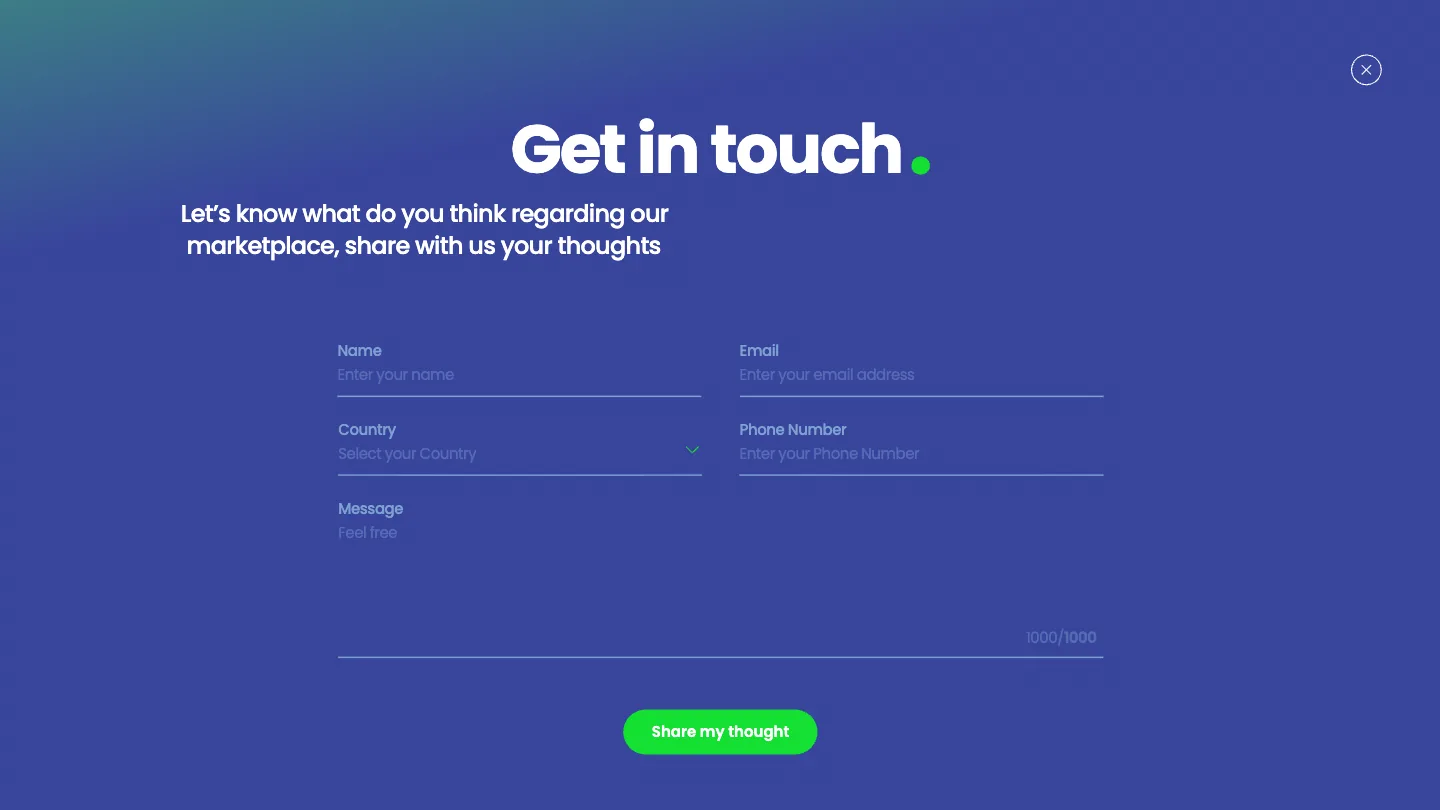
“The registration is very long.” Sign-up and sign-in are pop-ups over the page, sign-in offers Apple and Google, and the profile is completed afterwards.
Help along the way
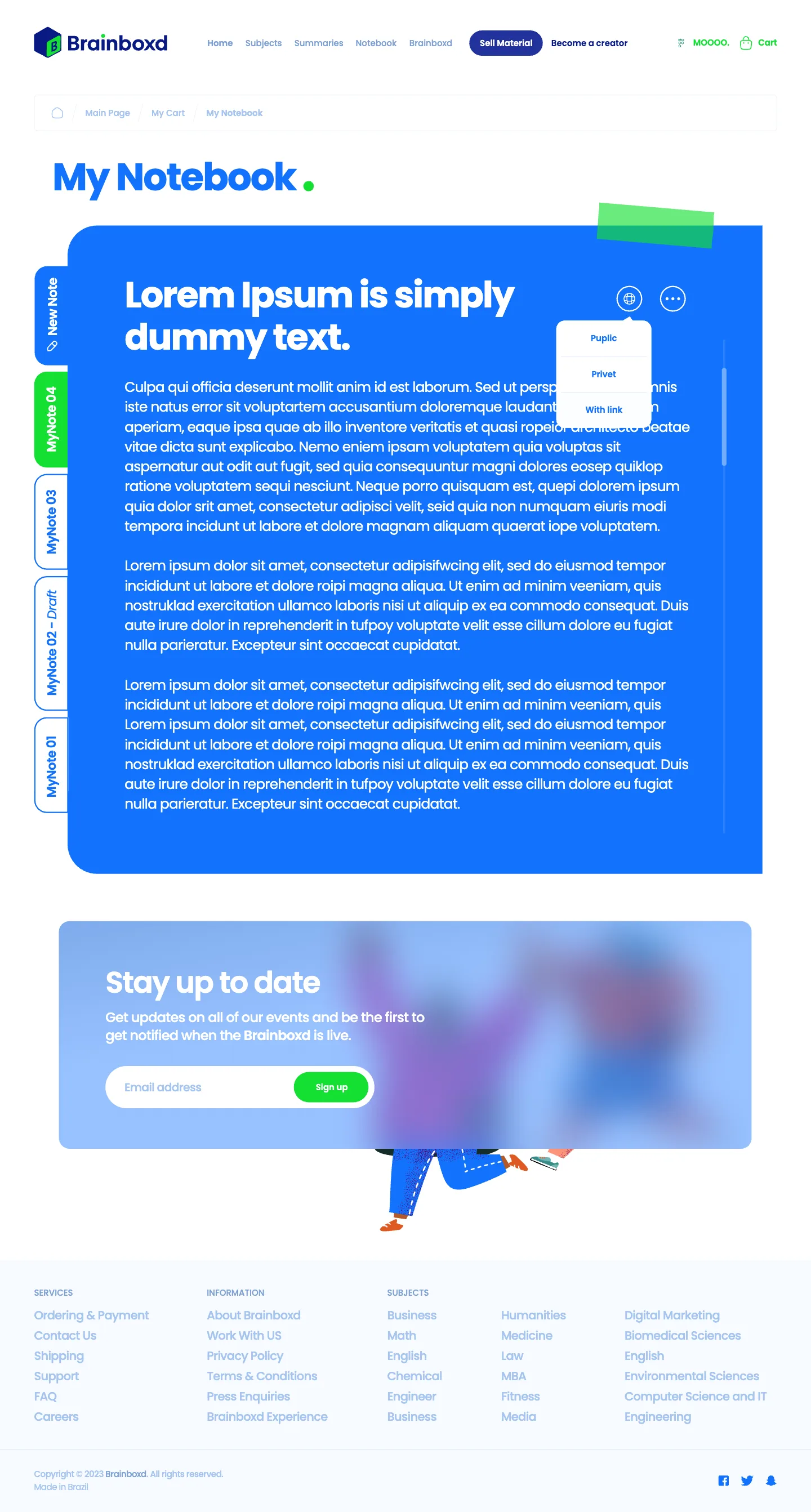
A notebook for the student’s own notes, a FAQ, Ask questions and Support tickets, so no one is stuck without an answer.
One website, two ways in.
User flow
Every step, branch and decision for students and graduates, from the first visit to a purchase or a sale. Drag to explore, zoom in, or open it full screen, and select a step to see the screen designed for it.
Brainboxd Website
Quick Search
Results
Not found results
Sign Up
Sign In
Forgot password
Email message (reset password)
User valid?
User valid?
Graduate
Student
Subscription packages
Brainboxd Dashboard
Add / edit / delete materials
Earnings management
Earnings withdraw
Brainboxd Feed · the homepage
Categories
Sub-categories
Materials
Materials details
Add to cart
Checkout
Payment gateway
Validation
Confirmation and download the materials
Materials fit with your interest
Feed section based on your information from the signup.
Materials and summaries suggestion section
Advanced search
Newsletter
Testimonials
Cart
Validation
Add items with the search form
Profile settings
Add / edit personal information
Education information
User / non-user
Response
Response
No
Yes
Yes
Access
No
Action
Yes
No
Yes
Empty
Filled




Structure first.
Wireframes
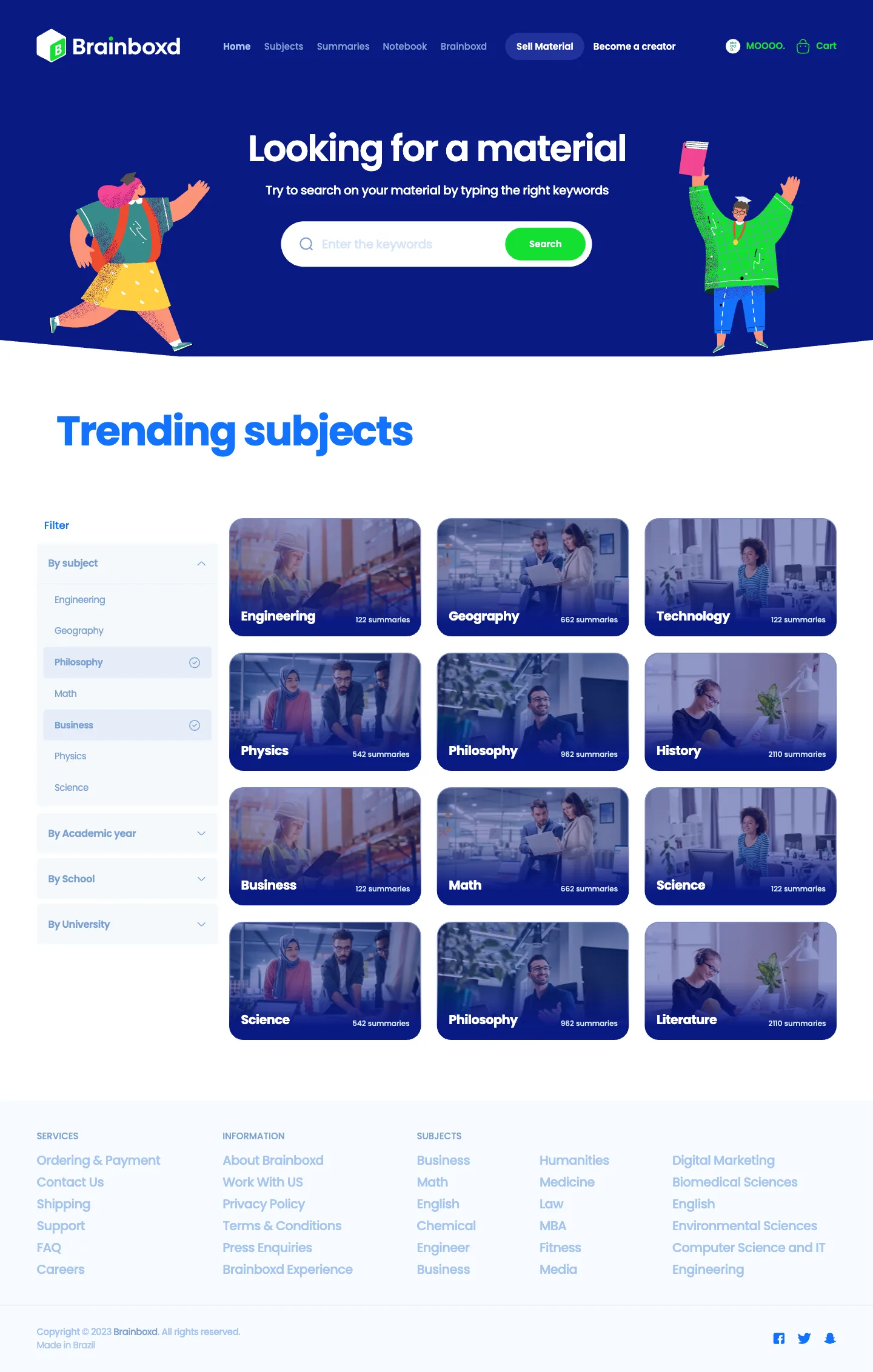
37 wireframes at 1440 px set the structure before any colour: the same sections, in the same order, that the final screens kept. Scroll inside a window to read the whole page.
Home · wireframe
Hero with search, browse by subject, trending and new summaries, and a feature section.
Home · final
The same structure, in the Brainboxd identity: illustration, dark blue and green.
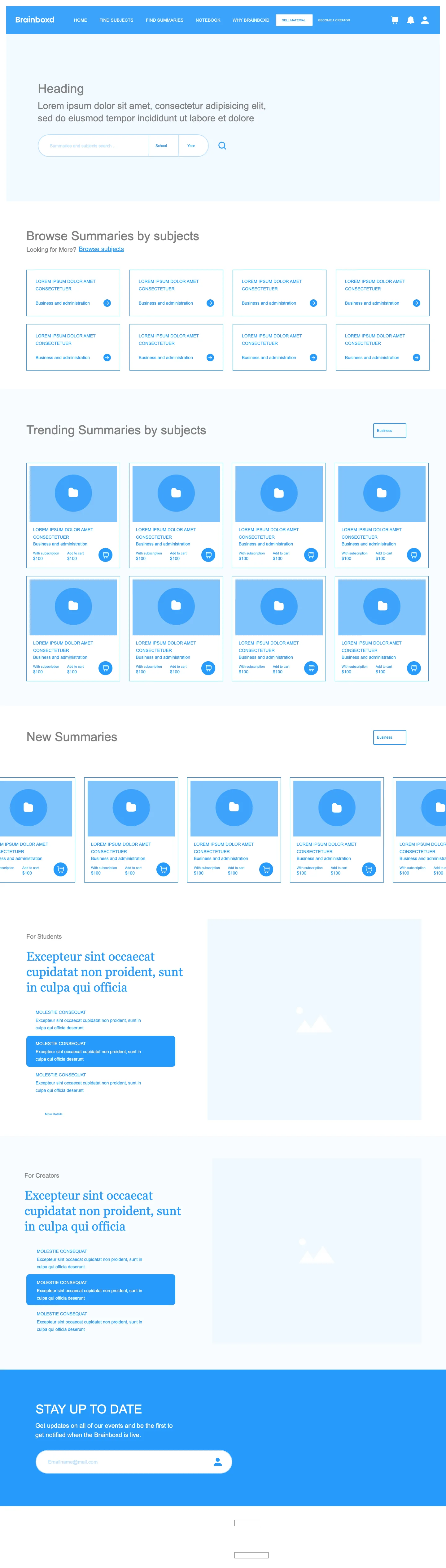
Thirty-seven wireframes.
All wireframes
Home & account
Find & read
Buy
Sell
Settings
Notebook & help
About

Education made simple.
Landing page
The landing page tells the story before asking for anything: who trusts Brainboxd, what it helps you do, what students say, the solution in their words, and the questions people ask.
- “Trusted by the leaders”: Oxford, Northwestern, Queen’s, Business Insider.
- “Loved by students worldwide”: six testimonials.
- Our solution, the newsletter and the FAQ before the footer.
Landing page
Scroll inside the window to read the whole page.
Short, and over the page.
Sign up & sign in
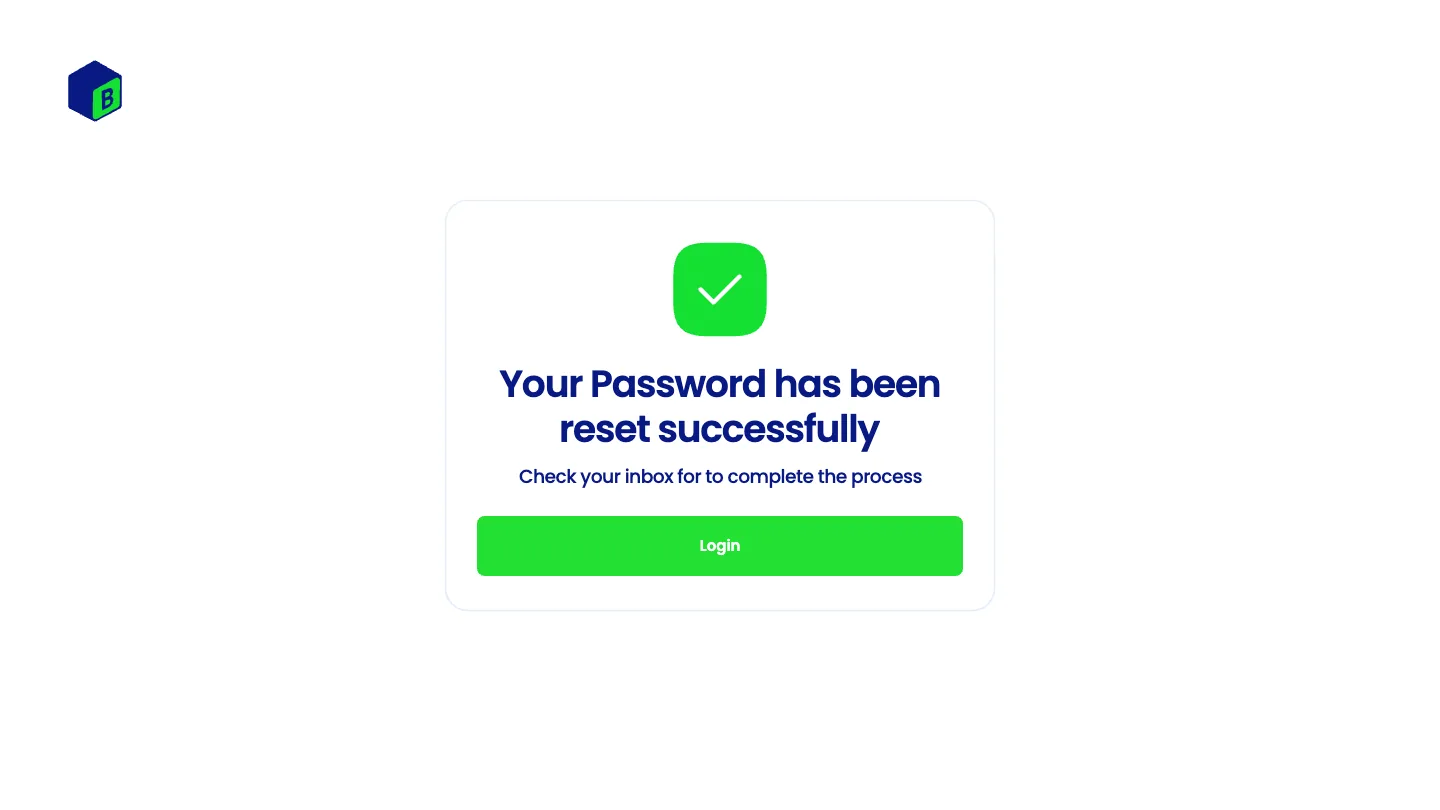
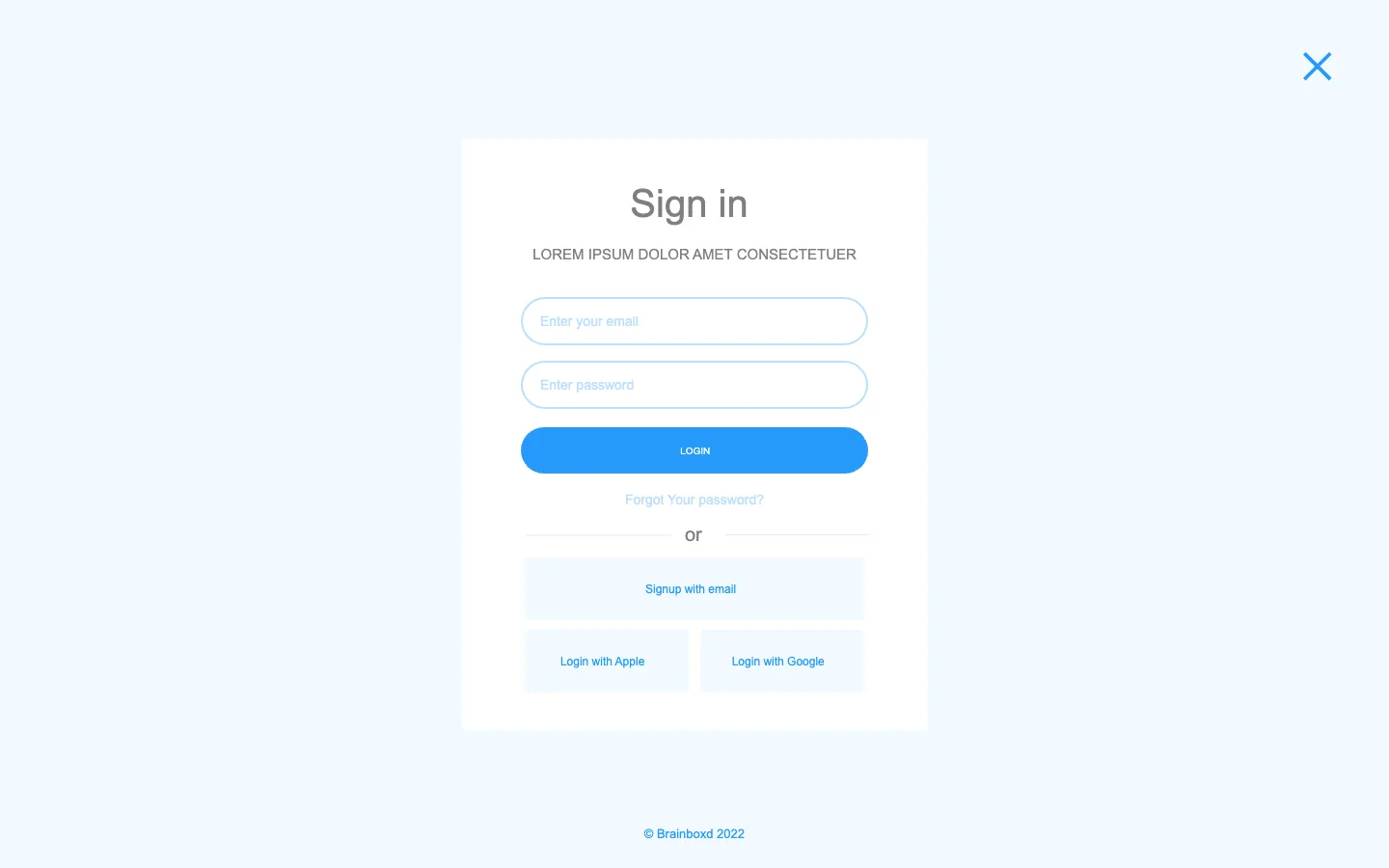
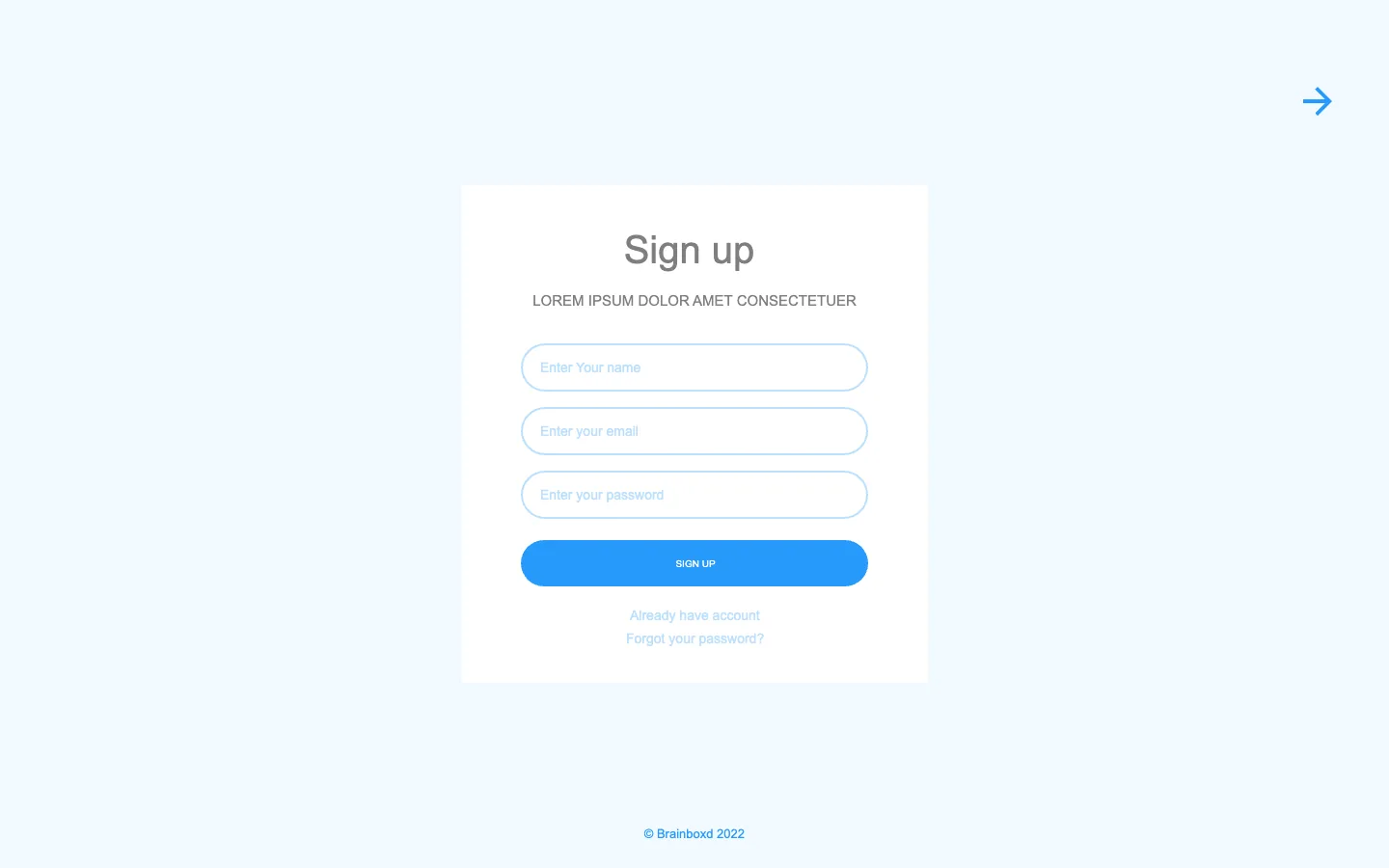
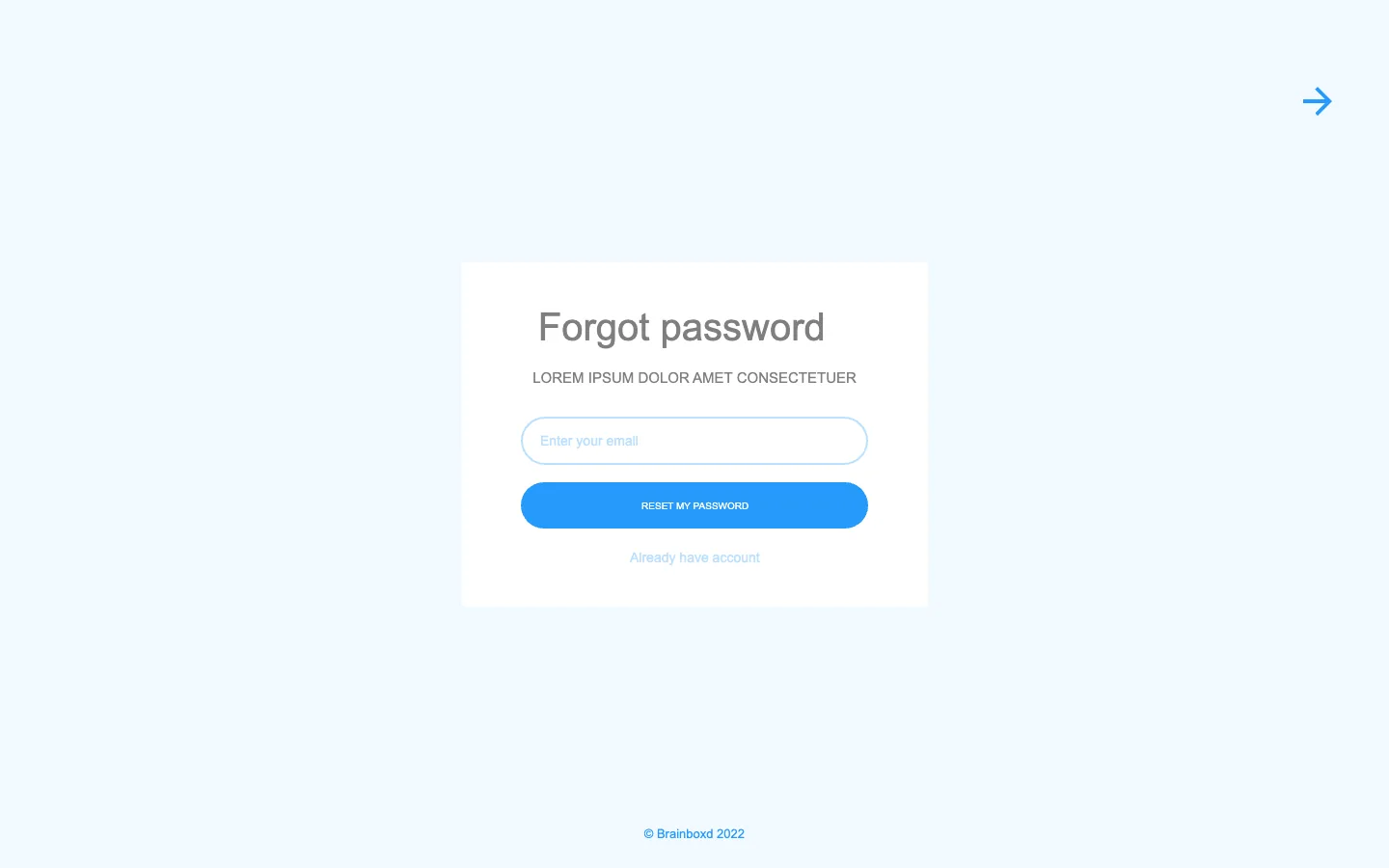
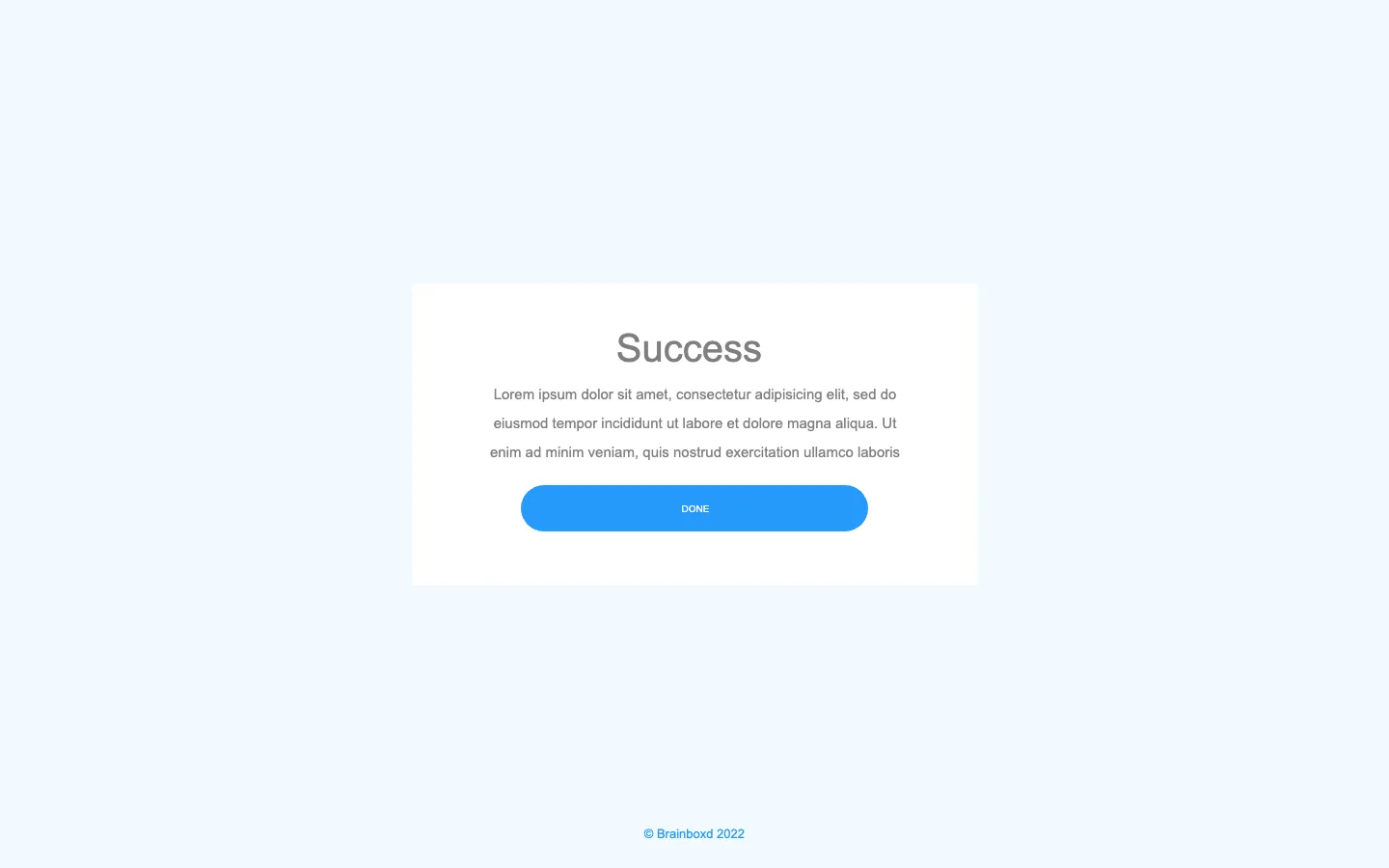
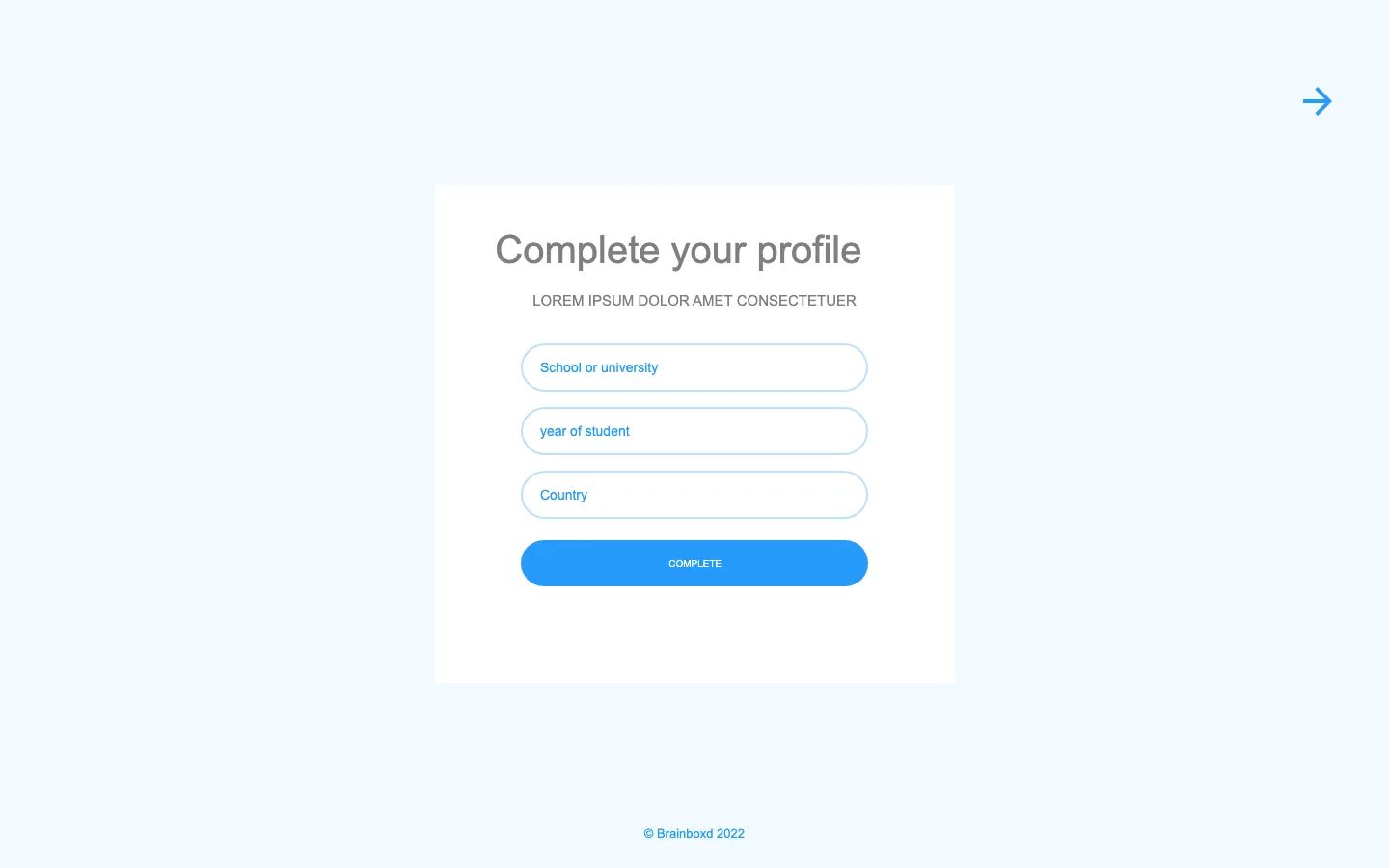
Every account step is a pop-up over the page, so nobody loses their place: sign in, sign up, forgot password, then complete the profile with education information.
Sign up
Sign in
Forgot password
Complete your profile
From a subject to the right summary.
Find a summary
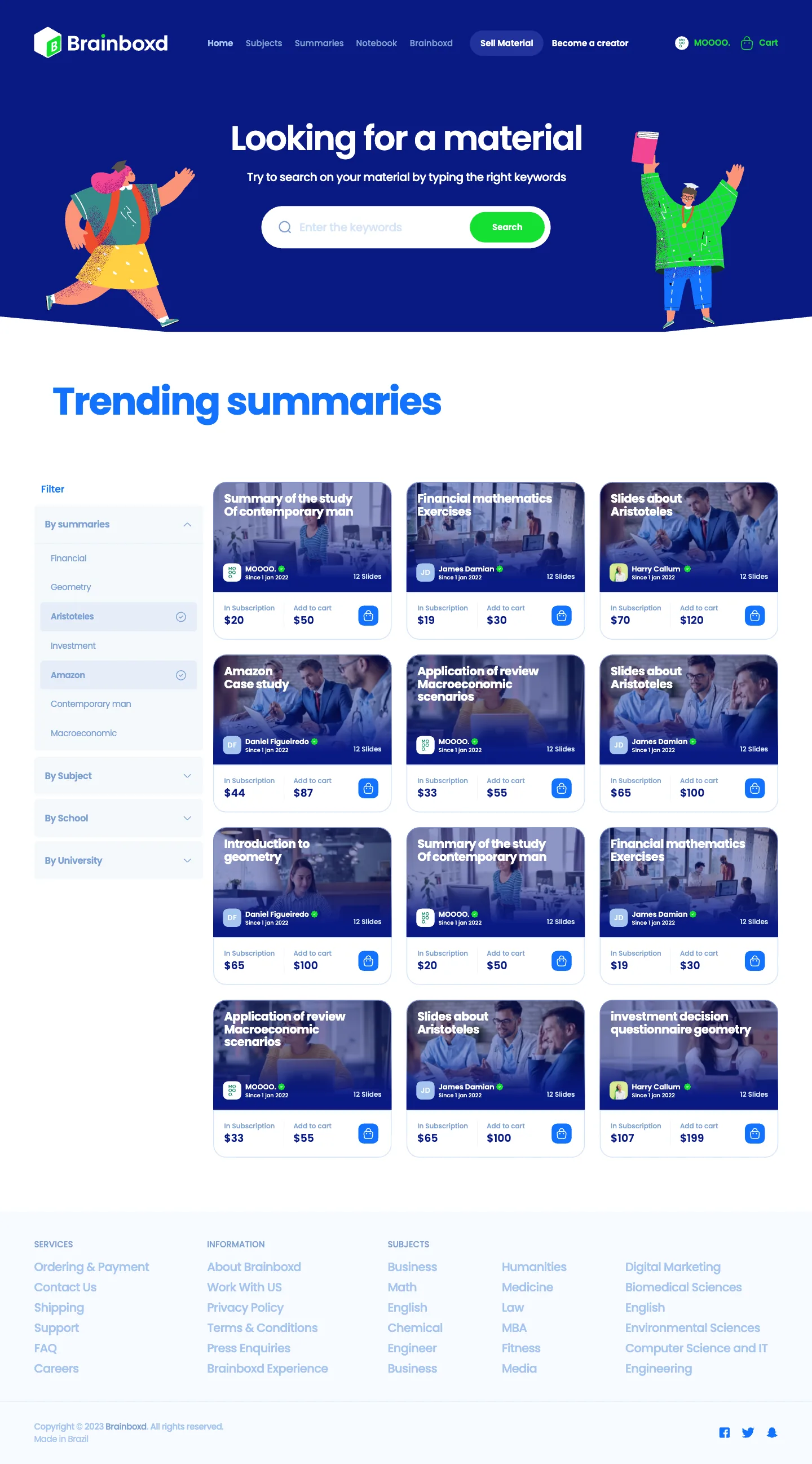
Search by subject, filter the results, then read everything about a summary before buying: a preview, its properties, reviews, history and creator.
Home · after sign-in
Summaries that fit the student’s interests, from the information given at sign-up.
Find subjects
A summary page
A cart in two steps.
Buy
My cart · order
Items, a coupon and the total.
My cart · payment
Card, Visa or PayPal, and the billing details.
A dashboard for graduates.
Sell
Graduates become creators: add materials, see what they have for sale, and follow their sales.
Sales statistics
Add new material
My materials for sale

Everything else, in one place.
Account & help
Settings
Wallet
My notebook
Support
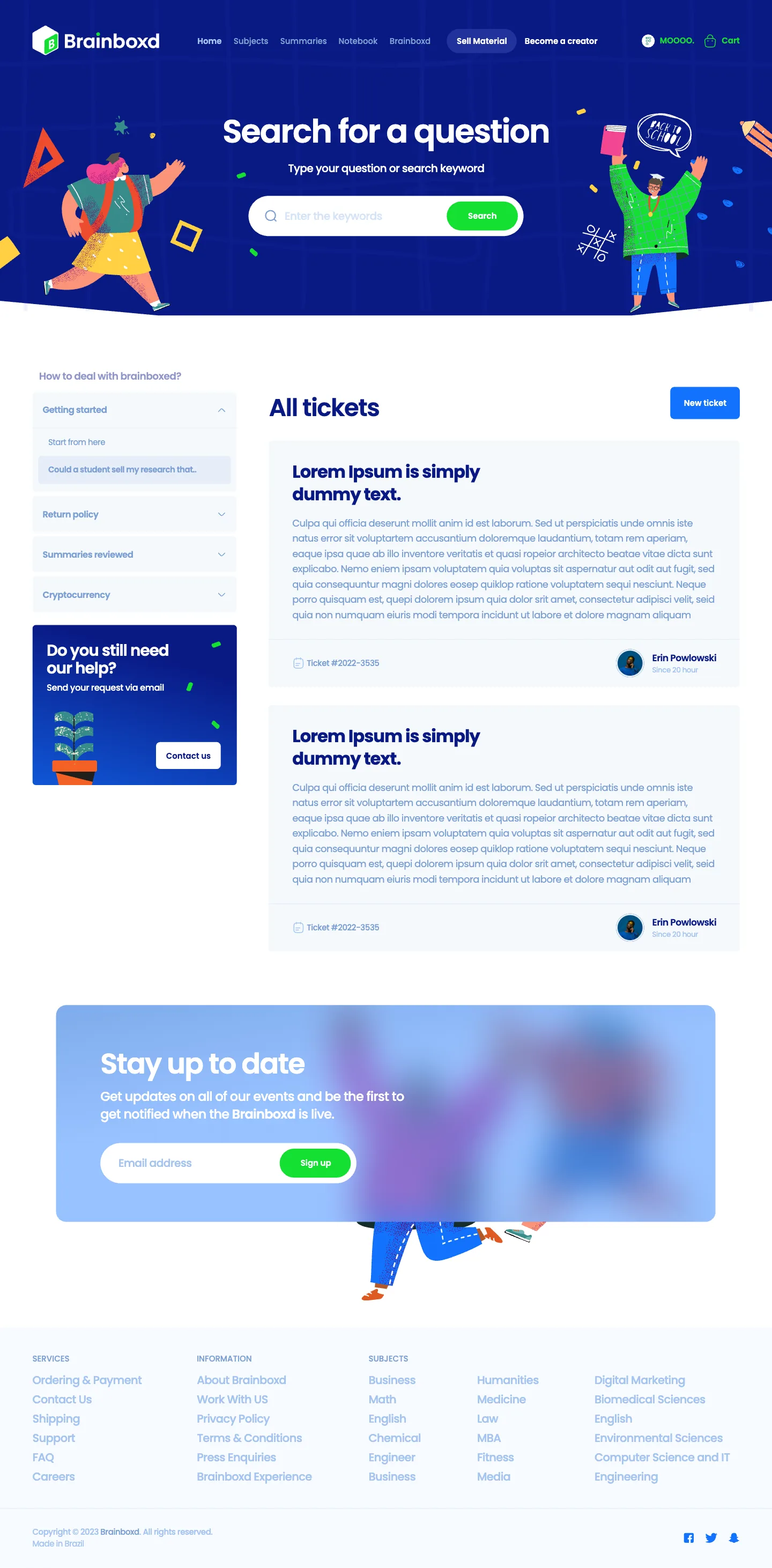
All 49 screens.
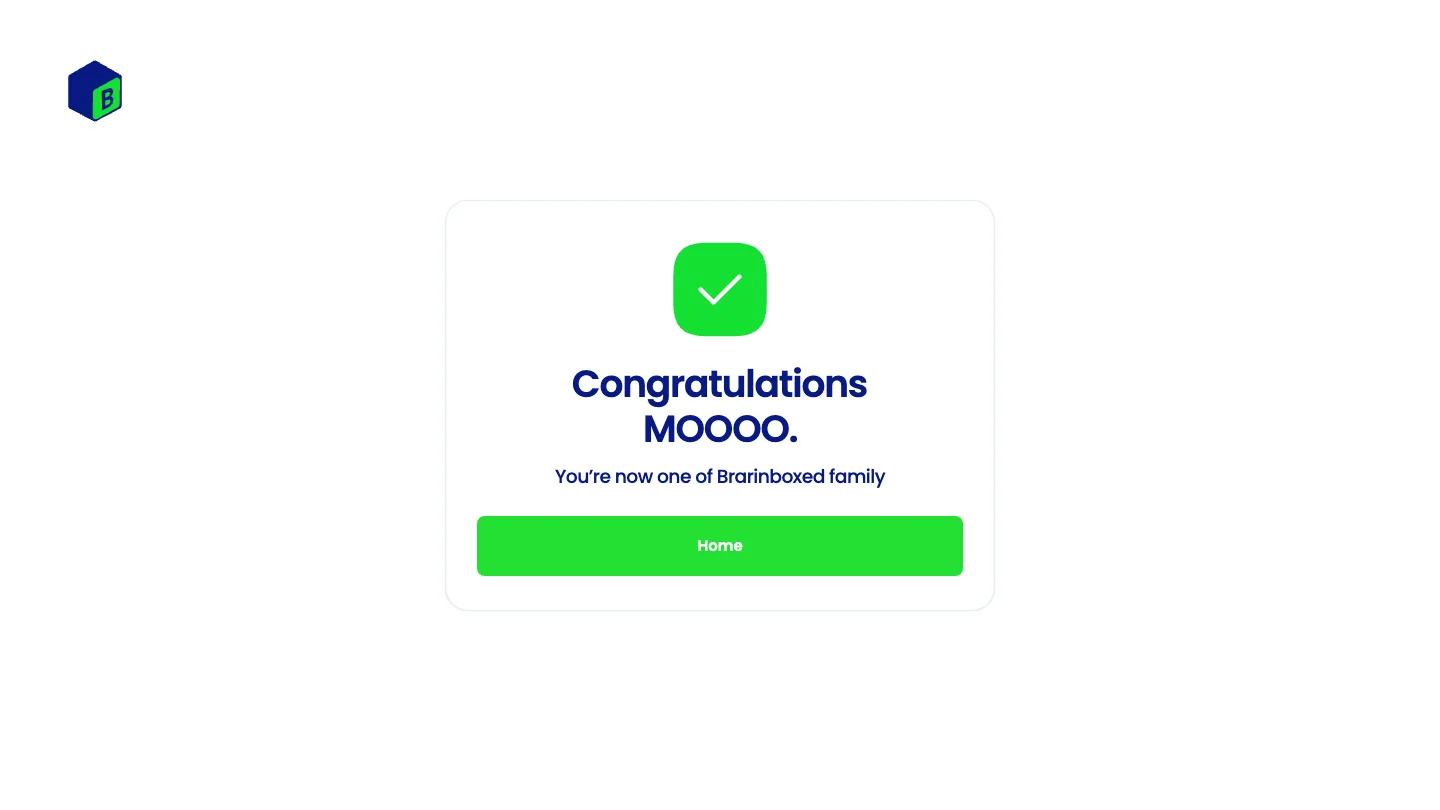
Every screen
The complete final design, grouped by area. Select a screen to read the whole page.
Landing & home
Account
Find & read
Buy
Sell
Settings
Notebook & help
About



The kit behind the screens.
Design system
The Brainboxd identity, applied to a website: one typeface, a dark blue and a bright blue, green for actions that move you forward, and a small set of components reused on every page, on a 12-column grid with 140 px margins and 16 px gutters at 1920.
The Brainboxd logo, a box with a green B face, leads the navigation in white on dark blue, and in colour on light pages.
The colour swatches saved in the design file.
Dark Blue
Hero and navigation, headings.
Blue
Primary buttons, links and active states.
Green
Sign-in and confirm actions, status dots.
Yellow
Accents in illustrations and highlights.
Indigo
Secondary blue in cards and gradients.
Soft Blue
Secondary text and icons.
Mist
Borders and dividers.
Background
Page and section backgrounds.
Poppins throughout, in four weights: Medium carries most of the interface, SemiBold the headings.
Poppins
One typeface
Display
Section heading
Body
Reused on every page.
Navigation
Logo, sections, Sell Material and Become a creator, account and cart.
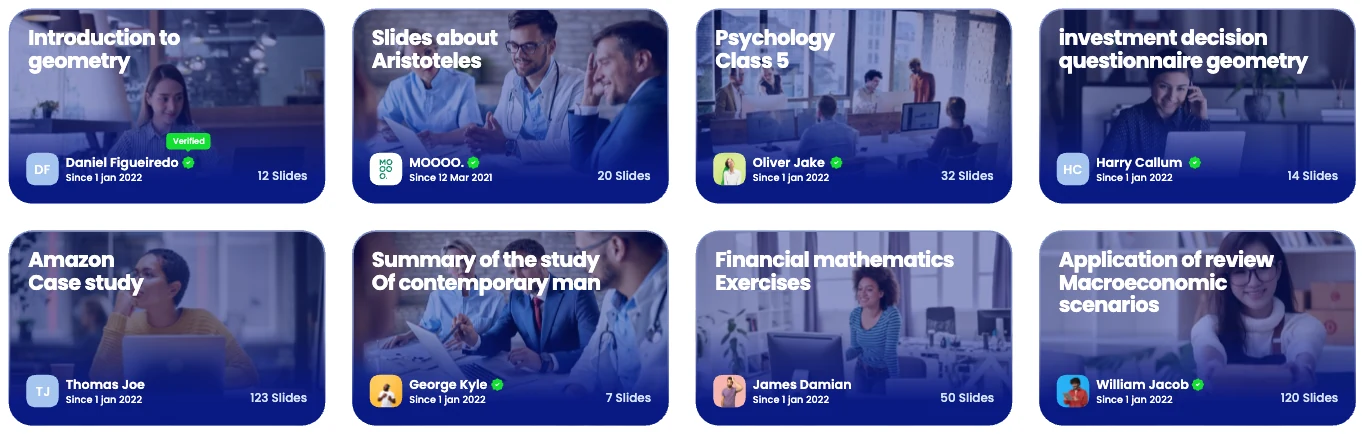
Summary cards
Subject, creator, verification and number of slides.
Sign-in pop-up
Fields, the green primary action, Apple and Google.
Form
Labelled fields, selects and Cancel / Save.
Settings menu
Active section in blue.
Filter button
Subject filter with a dropdown.




The project, counted.
Scope
Personas
Steps in the user flow
Wireframes
Final screens
Two sides, one marketplace.
Results & impact
What the final design delivers for students and graduates.
A clear first step
The home page answers “Where should I start?” before anything else: subjects, quick search, and new and trending summaries.
Trust before purchase
Every summary shows its properties, reviews, history and creator before it is bought, and verified creators are marked.
Short paths to buy and to sell
Students check out in a two-step cart; graduates get their own screens, from becoming a creator to sales statistics.
From research to a complete design
Two personas and an empathy map shaped a 38-step user flow, 37 wireframes and 49 final screens.
How success shows up
Students who find and buy the right summary on their first visit, and graduates who publish a second one.
Two users, one marketplace.
Closing reflection
Brainboxd only works if both sides do: the student has to find and trust a summary quickly, and the graduate has to find it worth selling. Designing for William and Mike at the same time kept every page honest about which of them it serves.
- Writing the empathy map in the user’s own words, “Where should I start?”, made it obvious what the home page had to answer first.
- Mapping the flow before drawing screens showed where the student and graduate paths split, and where they meet again: the feed.
- Pop-ups for every account step kept sign-up short, which the research called out directly.
- Two personas, an empathy map and a 38-step user flow.
- 37 wireframes and 49 final desktop screens at 1920 px.
- A design system on a 12-column grid: Poppins, the Brainboxd palette and reusable components.